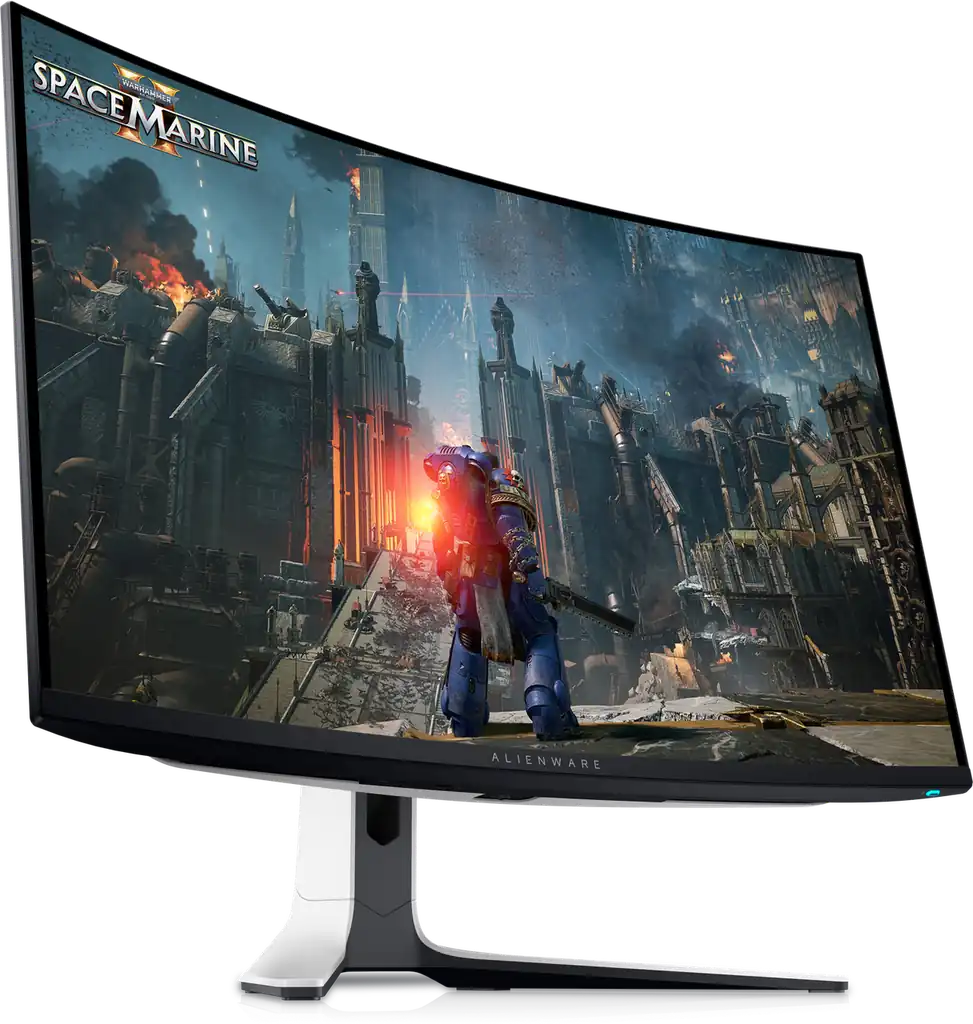
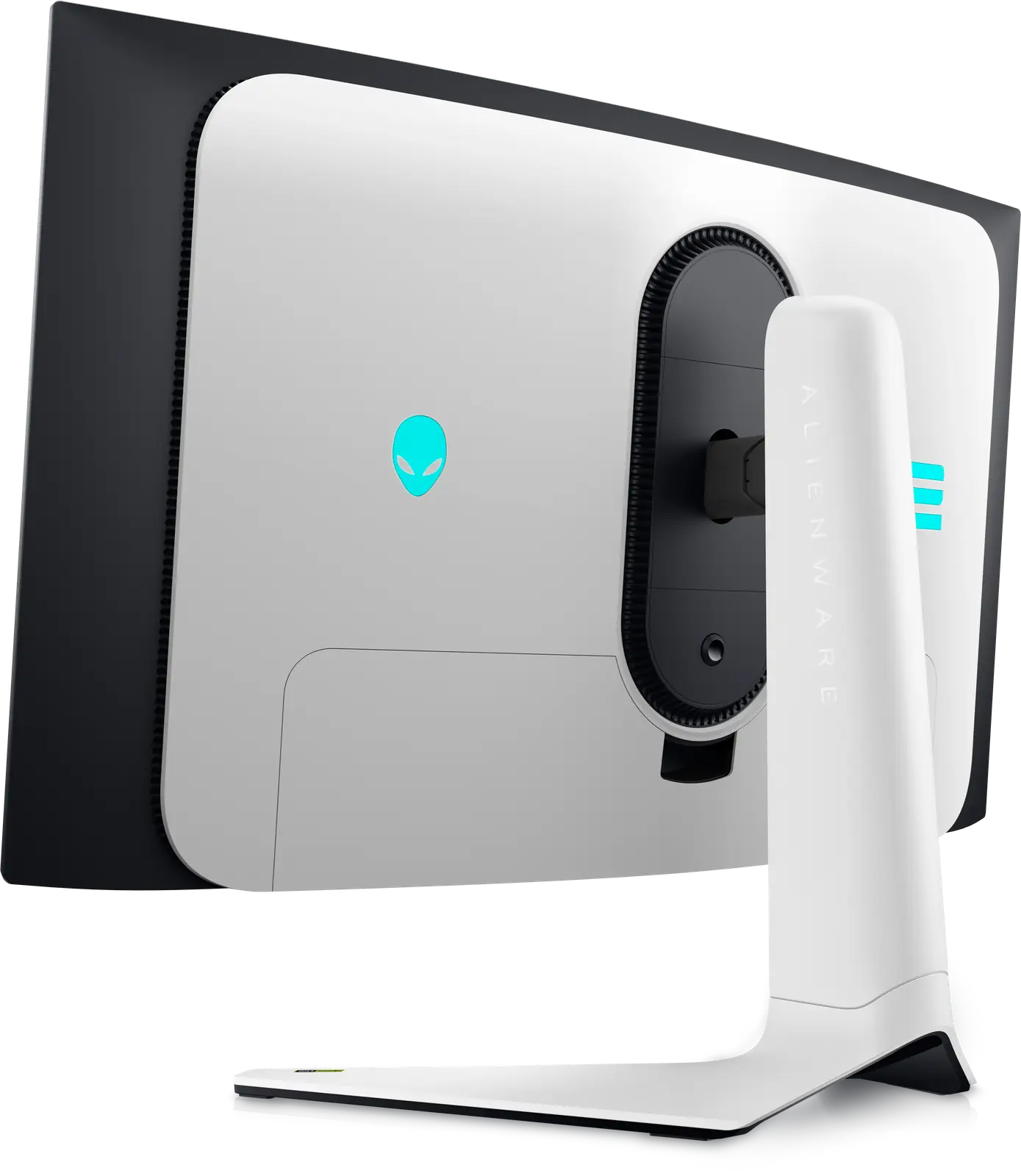
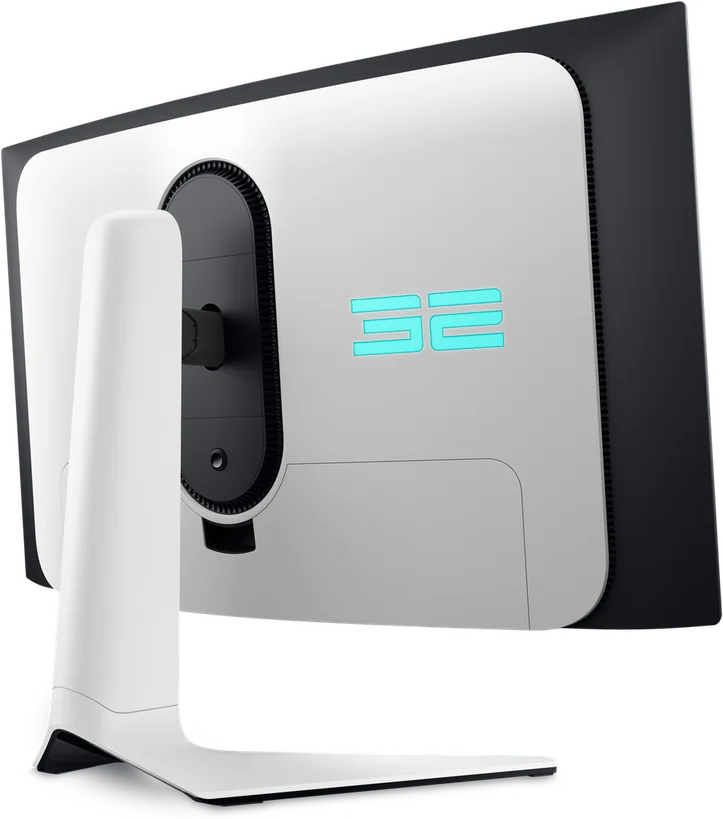
Alienware (Dell) Alienware 32 4K QD-OLED Gaming Monitor - AW3225QF
By Alienware (Dell) · Gaming Monitors · Audio & Electronics
- 31.6-inch QD-OLED curved 1800R display
- 4K UHD 3840x2160 at 240Hz
- 0.03ms GtG response time
- 1000 cd/m2 peak HDR brightness, 99% DCI-P3
Lowest price seen
~$899.99 (approx.)
from $899.99 at Amazon
- Amazon ~$899.99 (approx.)View at Amazon
- Alienware (Dell)View at Alienware (Dell)
- Best BuyView at Best Buy
- Micro CenterView at Micro Center
- eBayView at eBay
- eBay (used) eBay: used, open-box, refurbishedView at eBay (used)
Prices are snapshots. Check the current price with the store.
Summary
A curved 31.6-inch 4K QD-OLED gaming monitor that runs at up to 240 Hz and measures among the fastest panels in its class, with Dolby Vision and HDMI 2.1 eARC. Check the HDR mode before you buy: the mode named for 1000 nits is dimmer than True Black 400 above about 25% average picture level, and Dell says that is by design.
Strengths
- Measured motion is best-in-class: 0.51 ms average gray-to-gray and 0.43 ms total input lag at 240 Hz, and 0.3 ms average on TechSpot’s bench.
- 140 PPI with text clarity TechSpot calls on par with an equivalent LCD.
- Wide, accurate colour: 99% absolute and 108.9% relative DCI-P3, plus a well-calibrated sRGB mode.
- The only curved 32-inch 4K 240 Hz QD-OLED in its class, and one of the few with Dolby Vision and HDMI 2.1 eARC.
- A 3-year warranty that includes burn-in, corroborated by four labs and a retailer spec page.
- Documented OLED upkeep: automatic Pixel Refresh after 4 hours of use and Panel Refresh after 7000 hours.
Weaknesses
- HDR Peak 1000 tracks mid-grey luminance low and is dimmer than True Black 400 above about 25% APL; Dell says it is by design and will not change it.
- Dolby Vision auto-engages on Windows HDR10 and mis-maps brightness, and owners report black screens on fullscreen switches.
- Real-world desktop brightness falls roughly 30 to 40 nits because logo detection is permanently on and cannot be disabled.
- No KVM, no USB-C video input or meaningful power delivery, no black frame insertion, and DSC cannot be turned off.
- Owners document black screens after firmware M2B107, failed firmware updates, flicker in HDR, HDR breakage on wake and an eARC standby lock-up.
- The glossy coating raises blacks in bright rooms, and the manual contains no firmware update procedure.
Verified specifications
| Model and regulatory model | AW3225QF / AW3225QFb. |
|---|---|
| Panel | QD-OLED with an Oxide TFT active element; 803.17 mm (31.62 in.) viewable diagonal; 0.1814 mm pixel pitch at 140 PPI. |
| Resolution and refresh | 3840 x 2160 at up to 240 Hz over DisplayPort 1.4 with DSC. |
| Curvature | 1700R. The manual warns against portrait or inverted mounting. |
| Manufacturer luminance | 250 cd/m² typical SDR full white, 450 cd/m² typical HDR True Black 400, 1000 cd/m² typical HDR peak. |
| Contrast | the manual states 1.5 million:1; Dell store pages state 1 million:1. |
| Response time | 0.03 ms gray-to-gray rated minimum by the manufacturer; measured averages of 0.51 ms and 0.3 ms. |
| Input lag | 0.43 ms total at 240 Hz, rising to 8.2 ms at 60 Hz. |
| Colour | 99% absolute and 108.9% relative DCI-P3 coverage; 1.07 billion colours listed. |
| HDR | VESA DisplayHDR 400 True Black and Dolby Vision; HLG is not supported. |
| Ports | one DisplayPort 1.4, two HDMI 2.1 inputs (one with eARC), a USB 3.2 Gen 1 hub, and a USB-C port limited to charging at 7.5 W. |
| Power | 100 to 240 V AC input; 42.5 W on mode, 190 W maximum. |
| Dimensions | 28.17 × 16.61 × 4.19 in (715.56 × 421.92 × 106.44 mm) without the stand; 6 kg without the stand and 9.35 kg with it. |
| Stand | height 0-110 mm, tilt -5° to 21°, swivel -20° to 20°, pivot not available. |
| Wall mount | VESA 100 x 100 mm. |
| In the box | 1.80 m HDMI 2.1 FRL, DisplayPort 1.4 and USB upstream cables, a microfiber cloth, quick-start guide and factory calibration report. |
| Warranty | 3 years including burn-in, corroborated by four labs and a retailer spec page rather than the manual. |
Full research notes and sources
Motion, colour and text
TFTCentral measures 0.51 ms average gray-to-gray with a 0.31 ms best case, consistent at 240, 120 and 60 Hz and under variable refresh, with no visible overshoot. TechSpot measures 0.3 ms average at 240 Hz with no inverse ghosting. Input lag is 0.43 ms total at 240 Hz, of which 0.30 ms is signal processing, rising to 8.2 ms at 60 Hz. TechRadar measures 2.1 ms MPRT. The manufacturer’s 0.03 ms figure is a rated minimum, not a measurement.
Colour is strong. TFTCentral measures 99% absolute and 108.9% relative DCI-P3 with 10-bit colour, and an sRGB mode at 99.4% absolute with a greyscale dE of 2.1. Tom’s Hardware measures colour volume at 109.45% of P3 and 102.94% of sRGB, and TechSpot calls the text clarity “the first OLED panel we’ve used that provides text clarity on par with an equivalent LCD.” One preset to avoid is the DCI-P3 picture mode, which TFTCentral calls poorly configured, with a greyscale dE of 8.7.
HDR and Dolby Vision
The 1000 cd/m² figure is window-dependent. Labs measure 1,002 nits and 1,098 nits at a 2% window and 1,014 nits, against 403 to 483 nits sustained at a 10% window. The mode named for it behaves worse than its name. TFTCentral found that as average picture level rises, Peak 1000’s luminance for mid-grey shades between roughly 45 and 75 tracks too dark, so above about 25% APL the True Black 400 mode is the brighter of the two. Dell told TFTCentral the behaviour meets Samsung Display’s Net Power Control expectations and will not change through firmware. Tom’s Hardware measured no brightness gain from Peak 1000 even at a 25% window and found more severe crushing of shadow detail.
Dolby Vision is the second trap, and the cause is outside the monitor. Windows defaults to outputting a Dolby Vision signal even for HDR10 content. TechSpot found DV Game mode applies significantly elevated brightness tone mapping and DV Dark caps brightness around 450 nits, and traced the mis-detection to Microsoft’s behaviour rather than a monitor or driver bug. Firmware M2B103 added an on-screen toggle to disable Dolby Vision. An owner reports the Dolby Vision path causes a black screen during most fullscreen switches.
Firmware, reliability and upkeep
The feature gaps are consistent across reviews: no KVM, no USB-C video input, no meaningful USB-C power delivery (the port is limited to 7.5 W charging), no black frame insertion, no hardware calibration, and DSC cannot be disabled in the OSD, which removes DSR/DLDSR. Audio output is unresolved: Tom’s Hardware lists a 3.5 mm headphone output, the manual’s port lists show none, and TFTCentral lists no audio out. If a wired jack matters, confirm before buying.
Owner-reported problems on Dell’s own forums include a black screen seconds after boot following firmware M2B107, “Monitor not detected” failures during updates, flicker in HDR and during scrolling, HDR colour state breaking on every wake from sleep, a monitor stuck in Pixel Refresh, and an eARC/CEC standby lock-up with a soundbar. The manual documents no firmware update procedure, only a version readout. The documented upkeep regime is real: Pixel Refresh fires automatically after 4 hours of use and takes 6 to 8 minutes, Panel Refresh fires after 7000 hours and takes about an hour, and a Panel Health indicator turns yellow when a Pixel Refresh is suggested and red after 7000 hours without one. Against the failures, one owner reports no noticeable burn-in or dead pixels after 3,376 hours with a static taskbar enabled, and another reports close to a year of PC use with no burn-in. A third reports visible burn-in at maybe 25 to 30 hours; no failure rate has been published, so burn-in remains a real but unquantified risk.
Running cost is not a real factor: on mode draws 42.5 W, which is roughly 124 kWh a year at 8 hours a day, and no US electricity rate was found, so no dollar figure is asserted. There are no consumables.
Is it worth it
It launched at $1,199 to $1,200 and a recorded Dell low was $699.99 on 2026-02-07, with listings around $849.99 at Best Buy and $899.99 at Dell (Pangoly, 2026). At $850 or less this is a strong buy: best-in-class motion, 140 PPI text, Dolby Vision, eARC and a 3-year burn-in warranty. Above $950 the case weakens, because TFTCentral measures the flat ASUS PG32UCDM on the same panel as slightly brighter in colour, and that model adds KVM and USB-C power delivery while the MSI MPG 321URX lists around $859.99 (Smartprix, 2026).
Which model this is
This page covers the Dell Alienware AW3225QF, regulatory model AW3225QFb, a curved 32-inch-class 4K QD-OLED. It is not the 27-inch 1440p AW2725DF, the 26.7-inch AW2725Q, or the 34-inch AW3423DWF, which are different panels. The US listing is ASIN B0F2VTSSRY.
Sources
Manufacturer:
- Alienware AW3225QF Monitor User’s Guide (Dell, PDF)
- Alienware AW3225QF technical information (Dell Canada)
- Alienware AW3225QF (Dell UK)
- Alienware AW3225QF (Dell Nederland)
Independent reviews:
- Alienware AW3225QF review (Tom’s Hardware)
- Alienware AW3225QF 4K QD-OLED review (PCMag)
- Dell Alienware AW3225QF 32" review (TechSpot)
- Dell Alienware AW3225QF monitor review (TFTCentral)
- HDR brightness investigation on the AW3225QF (TFTCentral)
- Alienware AW3225QF review (TechRadar)
- Alienware QD-OLED 32-inch hands-on (Gizmodo)
Owner reports:
- AW3225QF 3,376 hours on and no noticeable burn-in (r/OLED_Gaming)
- My experience with the AW3225QF (r/OLED_Gaming)
- AW3225QF burn-in worries (r/OLED_Gaming)
- Why I’m returning my AW3225QF (r/OLED_Gaming)
- AW3225QF screen goes black after firmware M2B107 (Dell Community)
- HDR Peak 1000 dimming complaint (Dell Community)
- AW3225QF flickering (Dell Community)
- AW3225QF HDR issues on wake (Dell Community)
- AW3225QF stuck on Pixel Refresh (Dell Community)
- AW3225QF AWCC firmware update issue (Dell Community)
- Cannot update firmware for AW3225QF (r/Dell)
- Sonos Beam Gen 2 causing AW3225QF to fail waking from standby (Sonos Community)
Price and comparison: