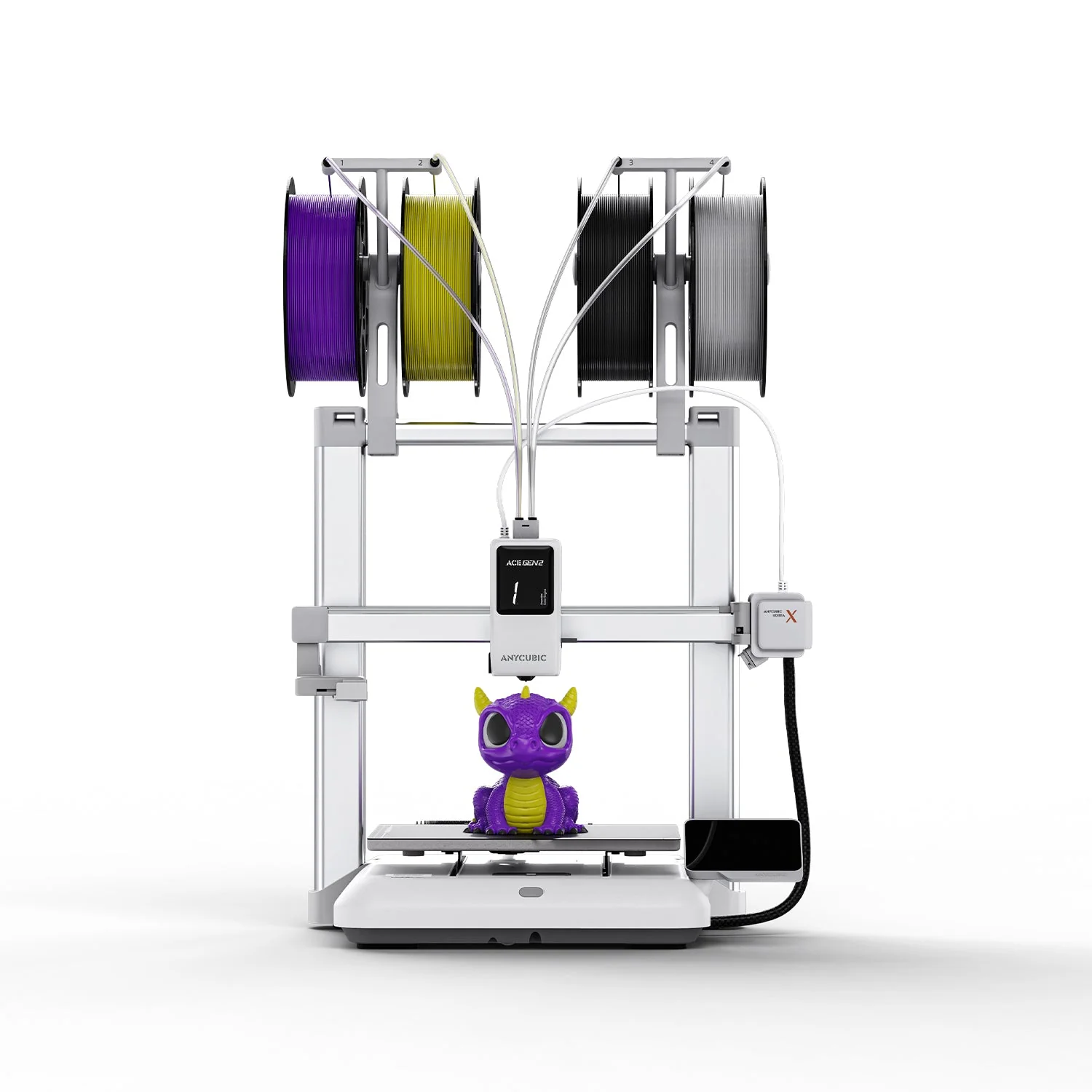
Anycubic Kobra X
By Anycubic · Budget 3D Printers · 3D Printing
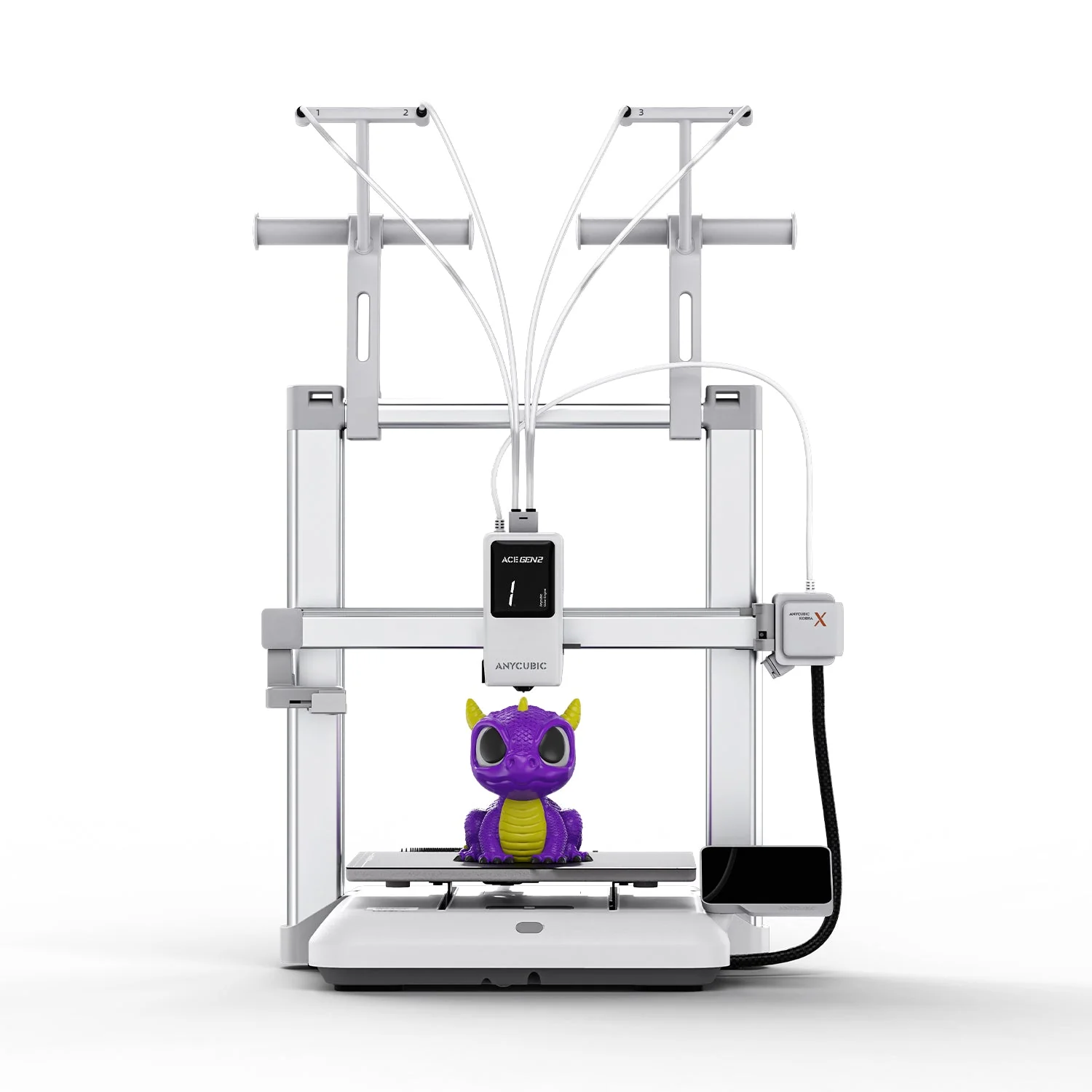
- Open-frame FDM with native 4-color printing
- LeviQ 3.0 auto leveling: 49-point mesh at 0.02 mm accuracy
- Rated at about 45 dB -- quieter than conversation
- AI guard detects foreign objects on the bed and print errors
Lowest price seen
$299.00
from $299.00 at Anycubic official store · Checked Sep 28, 2026
- Anycubic official store $299.00View at Anycubic official store
- eBayView at eBay
- eBay (used) eBay: used, open-box, refurbishedView at eBay (used)
- AmazonView at Amazon
Prices are snapshots. Check the current price with the store.
Summary
An open-frame filament printer that prints in four colors with the color-changing hardware built into the toolhead, for hobbyists who want multicolor prints without an external filament box. Check the software before you buy: owners report false clog alarms and first-layer regressions after firmware updates.
Strengths
- Four-color printing is built into the toolhead, so no external filament box is needed.
- Measured color swaps take about 35 seconds, against over 90 seconds for the rival tested alongside it.
- A 776-swap four-color job finished about 10 hours sooner in independent testing.
- Out-of-box PLA and PETG quality is strong, with low purge waste on multicolor jobs.
- The hardened nozzle, 300C hotend and 100C bed cover abrasive and flexible filaments.
- Long-use owners report hundreds of trouble-free hours, and one print farm runs a launch unit near a thousand hours.
Weaknesses
- False clog detection recurs after firmware changes, and multiple owners turn detection off.
- Firmware version 1.2.0.2 brought first-layer and scraping problems, with error 11518 reported.
- Changing the nozzle type triggers a full recalibration of about 35 to 40 minutes.
- The base printer has no active drying, and the open frame leaves large or tall ASA parts prone to warping without an enclosure.
- Cloud and app connections fall into busy states that block remote control.
- An owner reviewer measured fan noise above the 48 dB spec, and one owner calls the printhead hard to repair with frustrating support.
Verified specifications
| Build volume | 260 × 260 × 260 mm. |
|---|---|
| Colors | 4 natively, expandable to 19 with optional ACE 2 Pro units and hubs. |
| Print speed | 300 mm/s recommended, up to 600 mm/s maximum. |
| Acceleration | 10,000 mm/s² recommended, up to 20,000 mm/s² maximum. |
| Extruder | direct drive with filament, runout and entanglement detection. |
| Nozzle | 0.4 mm hardened-steel quick-swap, with 0.25, 0.6 and 0.8 mm options; up to 300C. |
| Bed | PEI spring steel, up to 100C. |
| Leveling | LeviQ 3.0 with pressure advance and flow calibration. |
| Monitoring | AI spaghetti detection with a 720p camera. |
| Connectivity | USB, app control and dual-band Wi-Fi. |
| Noise | 48 dB or less. |
| Materials | PLA, PETG, TPU, PVA, PLA-CF, PETG-CF and ASA. |
| Power | 110V/60Hz, rated 1450 W. |
| Dimensions | 455.4 × 445.3 × 461.3 mm; about 9.5 kg. |
| In the box | gantry, base, build plate, power cord, spool holders and shafts, PTFE tubes, purge wiper, grease, nozzle cleaner, hex keys, brush and manual. |
Full research notes and sources
Color swaps and waste
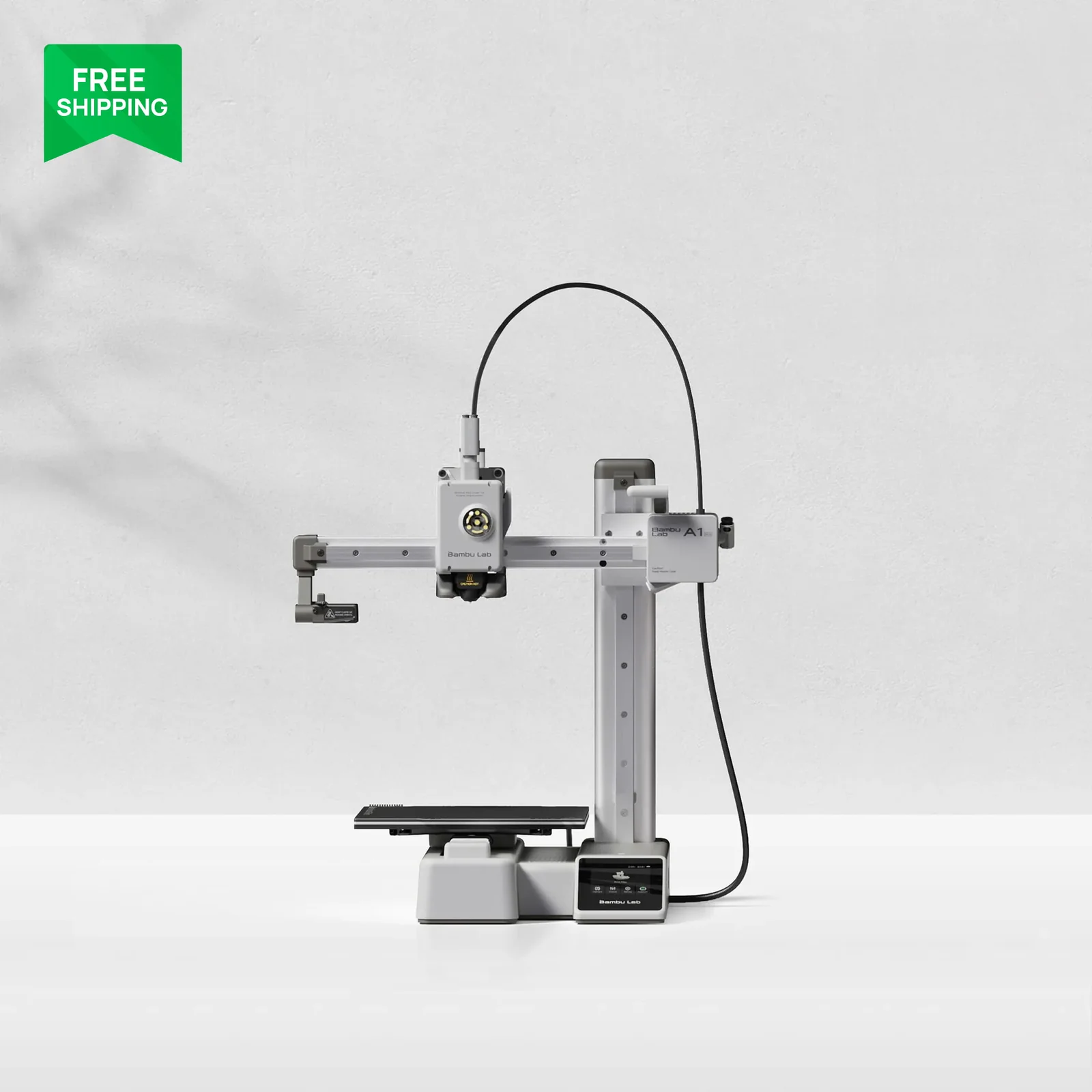
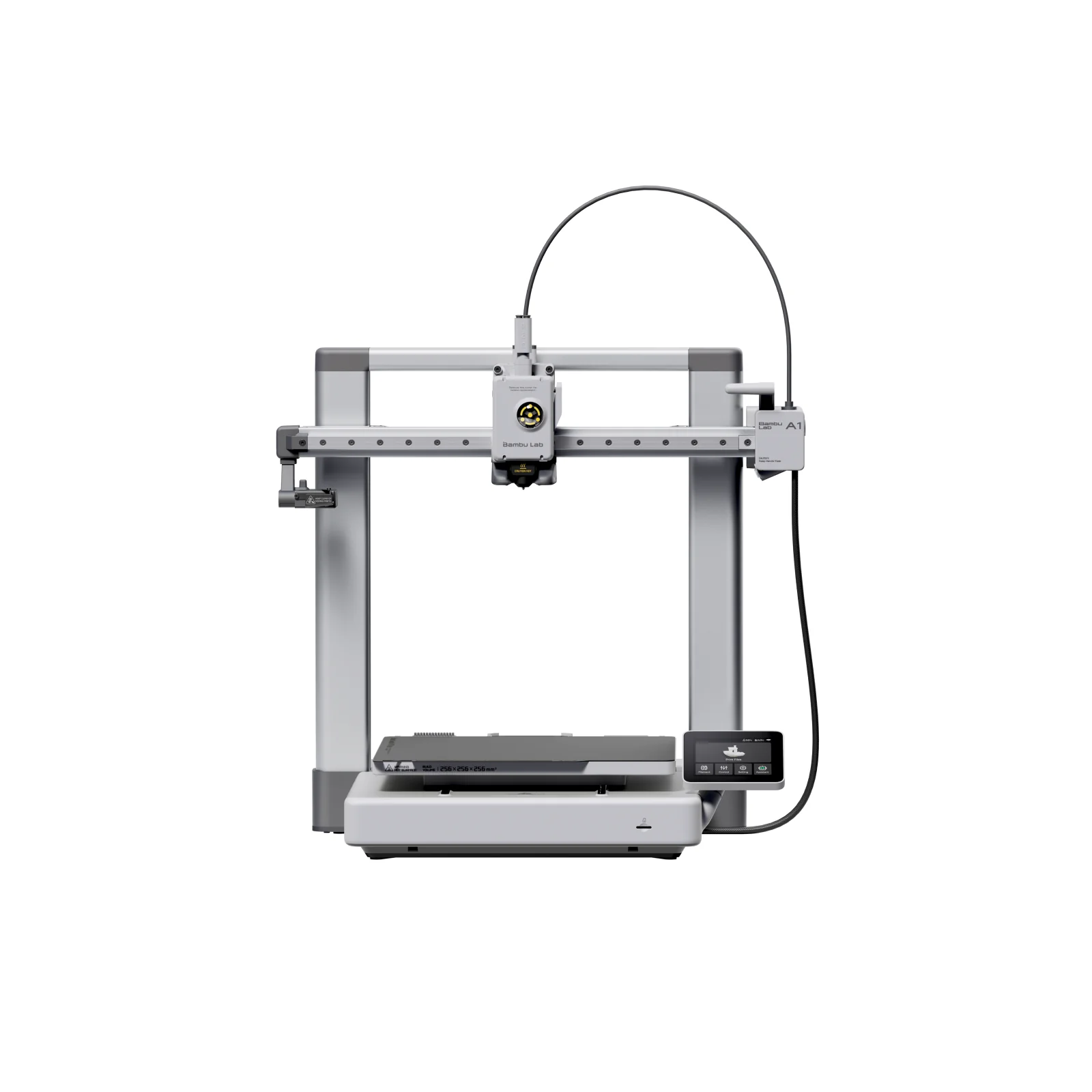
The four-color system lives in the toolhead instead of an external box. The cutter sits about 10 mm from the nozzle, so purge runs stay short. Tom’s Hardware measured swaps of about 35 seconds against over 90 seconds for the Bambu A1 tested with equal settings, and a 776-swap job finished about 10 hours sooner. The same test earned an Editor’s Choice with reliable leveling and only one jam, caused by old brittle filament. Purge waste is low for multicolor work, but it never reaches zero. 3DWork’s separate test was broadly positive too, with one channel-4 retraction error and a camera view partly blocked by the toolhead in early layers. The spool-holder guide feels awkward, and taking the extruder apart looks complex.
Firmware and false clog alarms
False clog alarms are the clearest recurring complaint. Multiple owners report the printer flagging clogs that are not there after firmware changes, and multiple owners disable detection entirely. Version 1.2.0.2 also brought first-layer and scraping problems for some owners, with error 11518 in the mix; downgrading helped some of them. Cloud and app links add their own trouble with busy states and dropped connections. Nobody has published a failure rate, so treat this as a known annoyance you may have to work around rather than a defect you will certainly hit.
Nozzles, materials and upkeep
The nozzle swaps by hand, but changing the nozzle type forces a full recalibration of about 35 to 40 minutes, and the slicer setting must match the installed nozzle. Anycubic lists PLA, PETG, TPU, PVA and carbon-filled PLA and PETG plus ASA, but the open frame means big ASA parts can warp without an enclosure. Drying is not built in either; filament drying needs the optional ACE 2 Pro.
Owner durability is mixed but mostly encouraging. One owner reported hundreds of hours without Wi-Fi, layer or alignment problems and later passed 700 hours without plate-alignment or shifting issues, and a print-farm owner said a launch unit was still running near a thousand hours with strong quality and only ordinary nozzle clogs after engineering filaments. In the same forums, one owner hit a recurring error inside the first hundred print hours, another criticises the printhead as hard to repair with spotty support, and a print-farm owner calls the service helpful. The official warranty runs one year on the printer, with a 14-day no-reason return and a 30-day after-sales guarantee. For upkeep, Anycubic tells you to check the X rail monthly, clean and lubricate the Y rails every few months with a deeper service every 6 to 12 months, grease the Z lead screw every three months, and keep the purge wiper clean.
Is it worth it?
Buy it on sale. You get genuinely fast multicolor hardware with low waste for little money, and that is the whole case for it. Accept that the firmware and slicer feel younger than the hardware, that the nozzle system punishes frequent size changes, and that support covers one year. Check the store panel above for current prices.
Which model this is
This page covers the US printer-only four-color version, sold as Kobra X (4 Colors) and not the Kobra X Combo, with base part number KBX0WH0A. The Amazon listing for the printer-only four-color version is ASIN B0GQGN9J44. Printing beyond four colors needs optional ACE 2 Pro hardware. One caution on paperwork: the manual mirror lists a slightly different machine size than the current product page, so treat exact external dimensions as approximate.
Sources
Manufacturer:
- Anycubic Kobra X user manual
- Anycubic Kobra X official product page
- Anycubic Kobra X maintenance recommendations
Independent reviews:
Owner reports:
- Long-use praise after hundreds of hours (r/AnycubicKobraX)
- False clog warnings and fixes (r/AnycubicKobraX)
- Cool-plate, clog and app notification bugs (r/AnycubicOfficial)
- Unusable after firmware update with error 11518 (r/AnycubicKobraX)
- Firmware downgrade for first-layer regression (r/AnycubicOfficial)
- Quick nozzle replacement and recalibration (r/AnycubicKobraX)
- Print quality issues after 300 hours (r/AnycubicKobraX)
- First-layer error reports (r/AnycubicKobraX)
- Filament loading issues thread (r/anycubic)
- Owner thoughts on quality and Slicer Next (r/AnycubicKobraX)