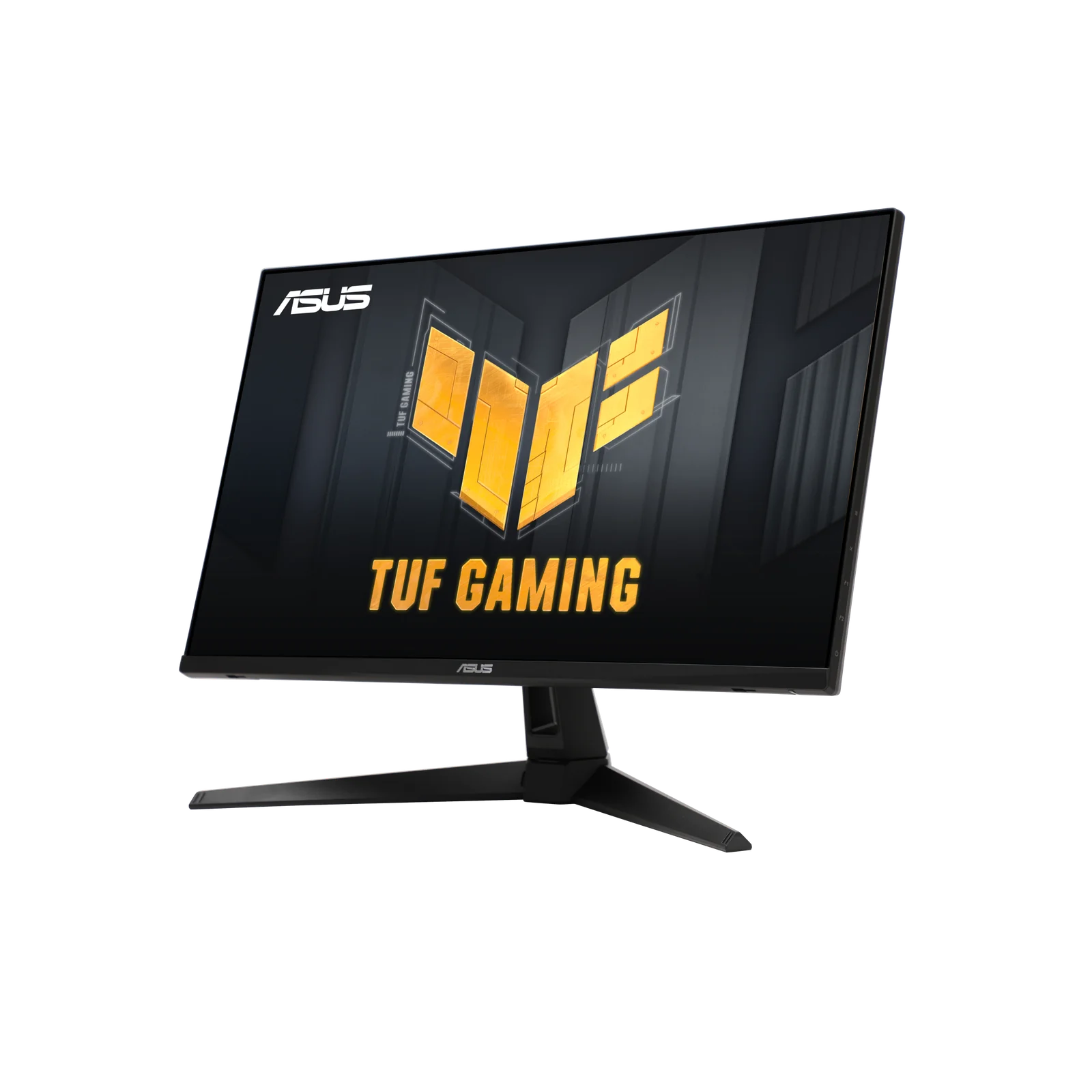
ASUS TUF VG27AQ3A
By ASUS · Gaming Monitors · Audio & Electronics
- 27-inch QHD panel
- 180Hz refresh rate
- G-Sync
Lowest price seen
$179.99
from $179.99 at centralcomputers · Checked Oct 7, 2026
- centralcomputers $179.99View at centralcomputers
- Abt $197.39View at Abt
- provantage $211.55View at provantage
- avadirect $224.82View at avadirect
- eBay $236.67View at eBay
- ASUSView at ASUS
- NeweggView at Newegg
- B&H PhotoView at B&H Photo
- eBay (used) eBay: used, open-box, refurbishedView at eBay (used)
- WalmartView at Walmart
- AdoramaView at Adorama
- cdwView at cdw
- TargetView at Target
- AmazonView at Amazon
Prices are snapshots. Check the current price with the store.
Summary
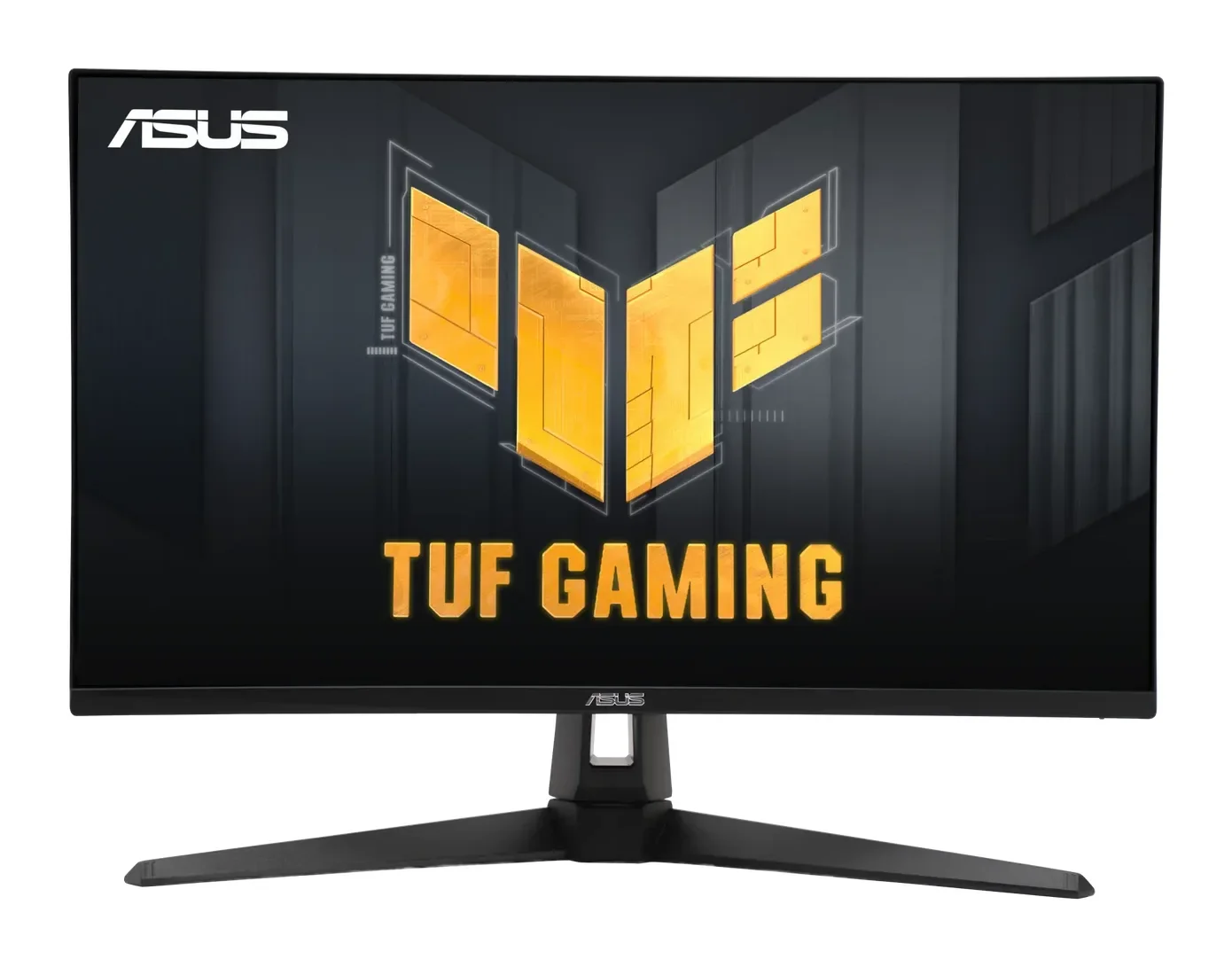
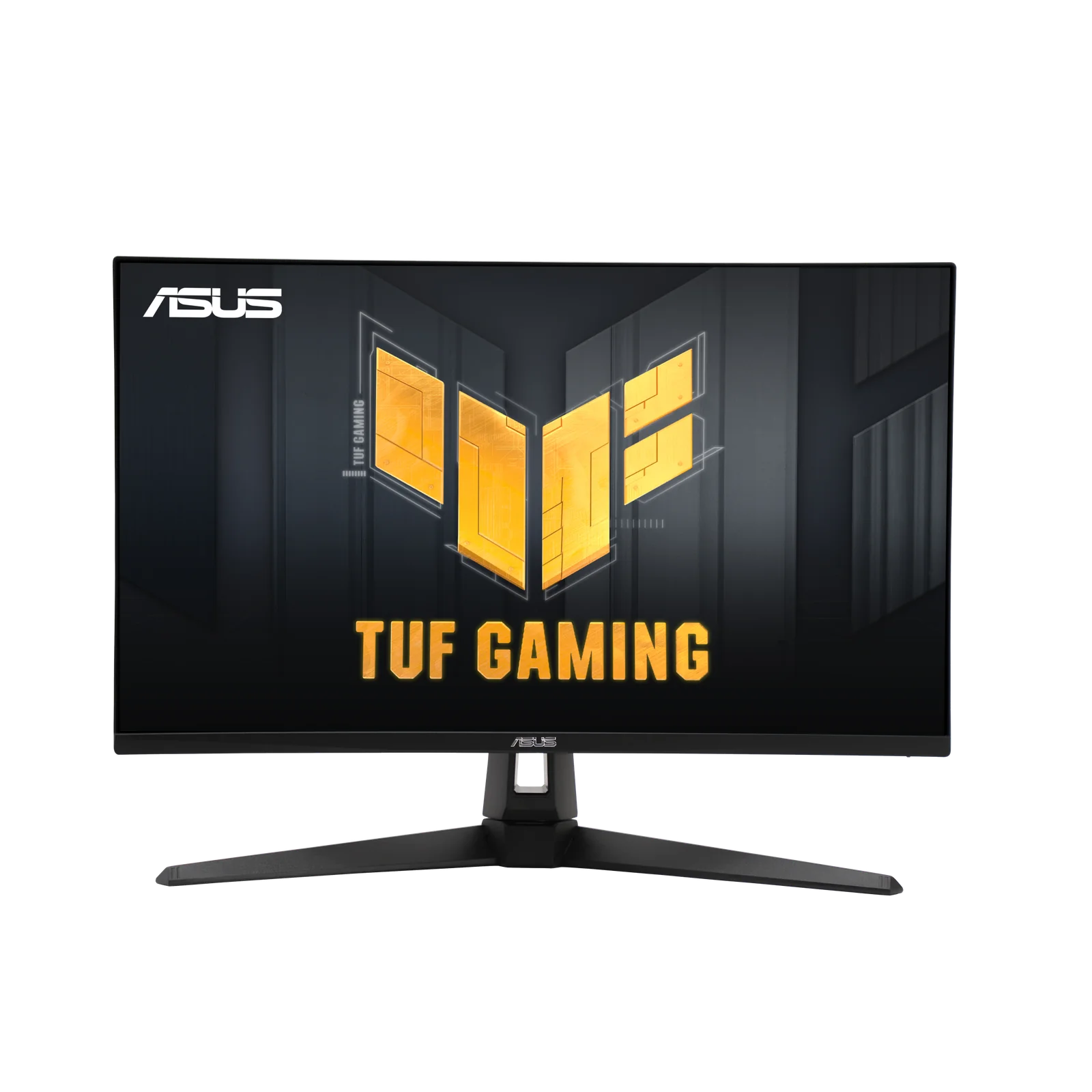
A 27-inch 1440p Fast IPS gaming monitor that reaches 180 Hz over DisplayPort, with adaptive-sync support across both GPU camps and color accuracy that two labs measured as good. Check the stand before you buy: it tilts and swivels but has no height adjustment, so plan on a VESA arm.
Strengths
- Motion is the point: 180 Hz over DisplayPort with about 3.1 ms of measured display lag and tunable overdrive.
- FreeSync Premium, G-SYNC Compatible and VESA AdaptiveSync cover both GPU camps.
- Calibrated color accuracy is good: two independent labs measured an average Delta-E of 0.88 with full sRGB coverage.
- ELMB Sync adds motion clarity for fast play without extra cost.
- Owners repeatedly name the sharp 1440p picture and smooth 180 Hz as reasons they keep it.
Weaknesses
- Dim by current standards: 250 cd/m² claimed, about 236-239 cd/m² measured, next to 300-400-nit gaming monitors.
- Weak contrast even for IPS: measured roughly 690-900:1 depending on the lab, so blacks look shallow.
- HDR10 is a compatibility label; with no local dimming and that brightness, it is not real HDR hardware.
- The stand has no height adjustment; a VESA arm is close to mandatory for long sessions.
- HDMI tops out at 144 Hz at this resolution, so the 180 Hz claim requires DisplayPort.
- Owner threads report IPS glow, uniformity variation and default colors that need tuning, plus isolated flicker, dead-pixel and DisplayPort dropout reports with no published failure rate.
Verified specifications
| Panel | 27-inch 16:9 Fast IPS, anti-glare, 2560 × 1440, 0.233 mm pixel pitch. |
|---|---|
| Refresh | up to 180 Hz over DisplayPort; ASUS’s signal table caps HDMI at 144 Hz. Advertised 1 ms GTG response. |
| Brightness | 250 cd/m² claimed. |
| Contrast | 1000:1 claimed on the current spec sheet; independent tests measured roughly 690-720:1 and about 900:1. |
| Color | 130% sRGB claimed, 16.7M colors, HDR10 support. |
| Sync and motion | AMD FreeSync Premium, NVIDIA G-SYNC Compatible, VESA AdaptiveSync Display 180 Hz, ELMB Sync, variable overdrive (Trace Free), Shadow Boost, GameVisual/GamePlus. |
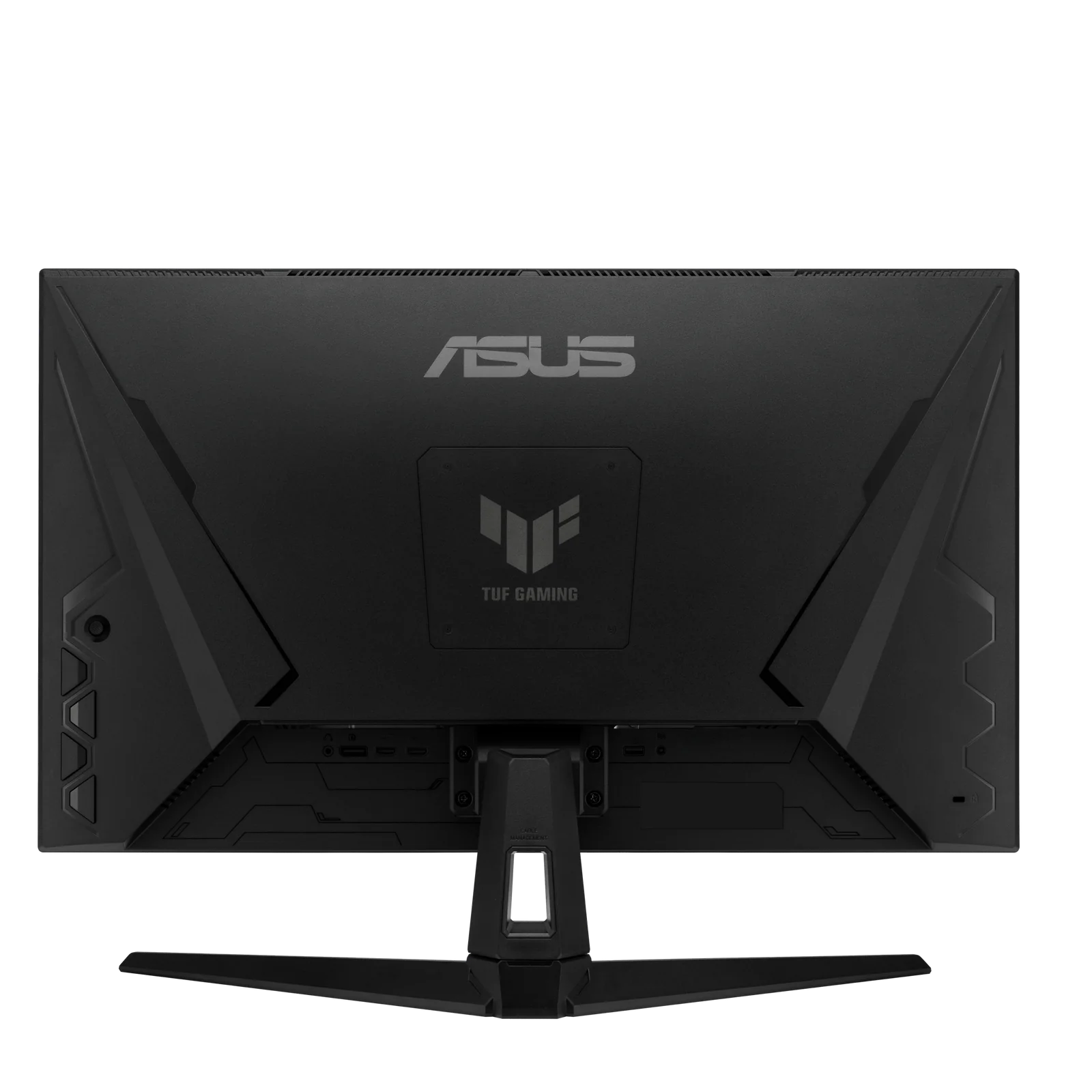
| Ports | 2 × HDMI 2.0, DisplayPort 1.4, 3.5 mm headphone jack; no USB hub. |
| Speakers | 2 W × 2. |
| Stand | tilt +20°/-5°, swivel ±20°, no height adjustment, no pivot; VESA 100 × 100 mounting. |
| Power | under 35 W. |
| Dimensions | 615 × 455 × 214 mm with stand, 615 × 367 × 54 mm without; 4.6 kg net. |
| In the box | DisplayPort and HDMI cables, power adapter and cord, L-shaped screwdriver, quick-start guide, warranty card (contents vary by region). |
Full research notes and sources
Brightness, contrast and the HDR label
ASUS rates the panel at 250 cd/m² and 1000:1. Independent measurement lands lower: TechPorn recorded a 236.1 cd/m² maximum and roughly 690-720:1 contrast, and a second lab measured about 239 cd/m² and roughly 900:1. In a bright room the monitor will look dim next to panels rated well above 300 nits, and black levels stay ordinary IPS territory.
The HDR10 logo deserves no weight in the decision. There is no local dimming and no brightness headroom, so HDR content is supported in format only.
Color and motion
Color is the strong suit. Both labs measured an average Delta-E of 0.88 after calibration and full sRGB coverage, and owners confirm colors look right after switching to the sRGB or Racing modes or adjusting manually. TechPorn measured about 3.1 ms of average display lag and found overdrive level 4 the sweet spot between blur and artifacts, with level 5 adding overshoot. ELMB Sync works well above 85 Hz, so it pairs with high frame rates rather than low ones.
Ports, stand and owner reports
The port stack is 2 × HDMI 2.0 plus DisplayPort 1.4: fine for a PC and a console, but 180 Hz requires the DisplayPort cable that’s in the box. The stand tilts and swivels only.
Owner threads are broadly positive on picture quality but surface repeated themes: IPS glow and uniformity variation out of the box, default colors that need adjustment, and isolated reports of flicker, pixel-row artifacts, dead pixels and DisplayPort dropouts. No failure-rate data exists, so treat those as reasons to test your panel inside the return window, not as a known defect.
Is it worth it?
Buy it on sale. At its common discounted level it is one of the more convincing budget 1440p gaming buys, with measured color and low lag behind the spec sheet. Once it climbs toward the newer 200-240 Hz QHD monitors, compare before paying. Check the store panel above for current prices.
Which model this is
This page covers the ASUS TUF Gaming VG27AQ3A; the Amazon listing is ASIN B0BZR9TMBJ. The TUF 27-inch naming is easy to confuse: VG27AQ, VG27AQ1A, VG27AQL3A and VG27AQM1A are different models with different panels and stands. US warranty wording for this exact listing was not clearly published, so check the terms at your seller.
Sources
Manufacturer:
- ASUS TUF Gaming VG27AQ3A product page
- ASUS VG27AQ3A technical specifications
- ASUS regional warranty support page
Independent reviews:
Owner reports: