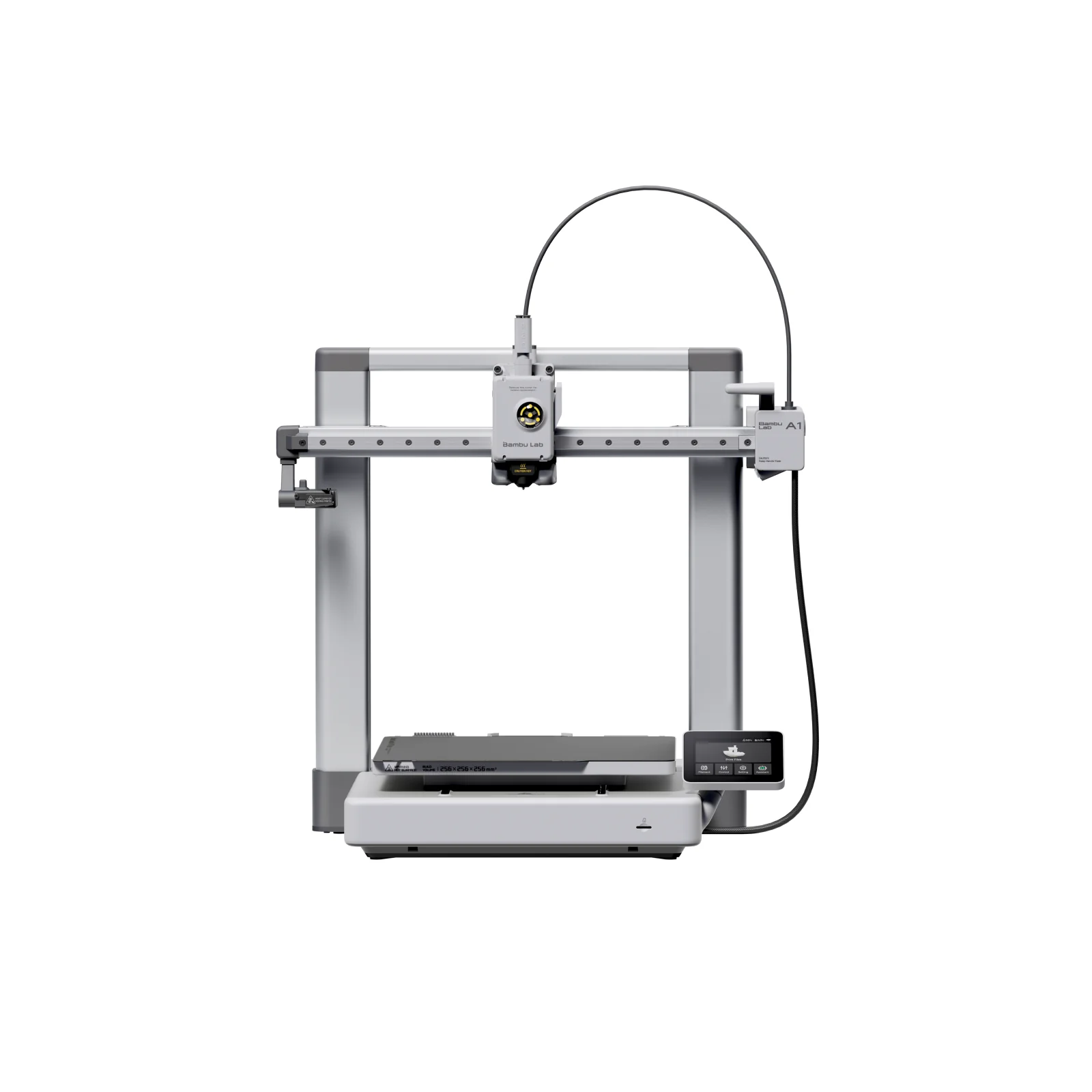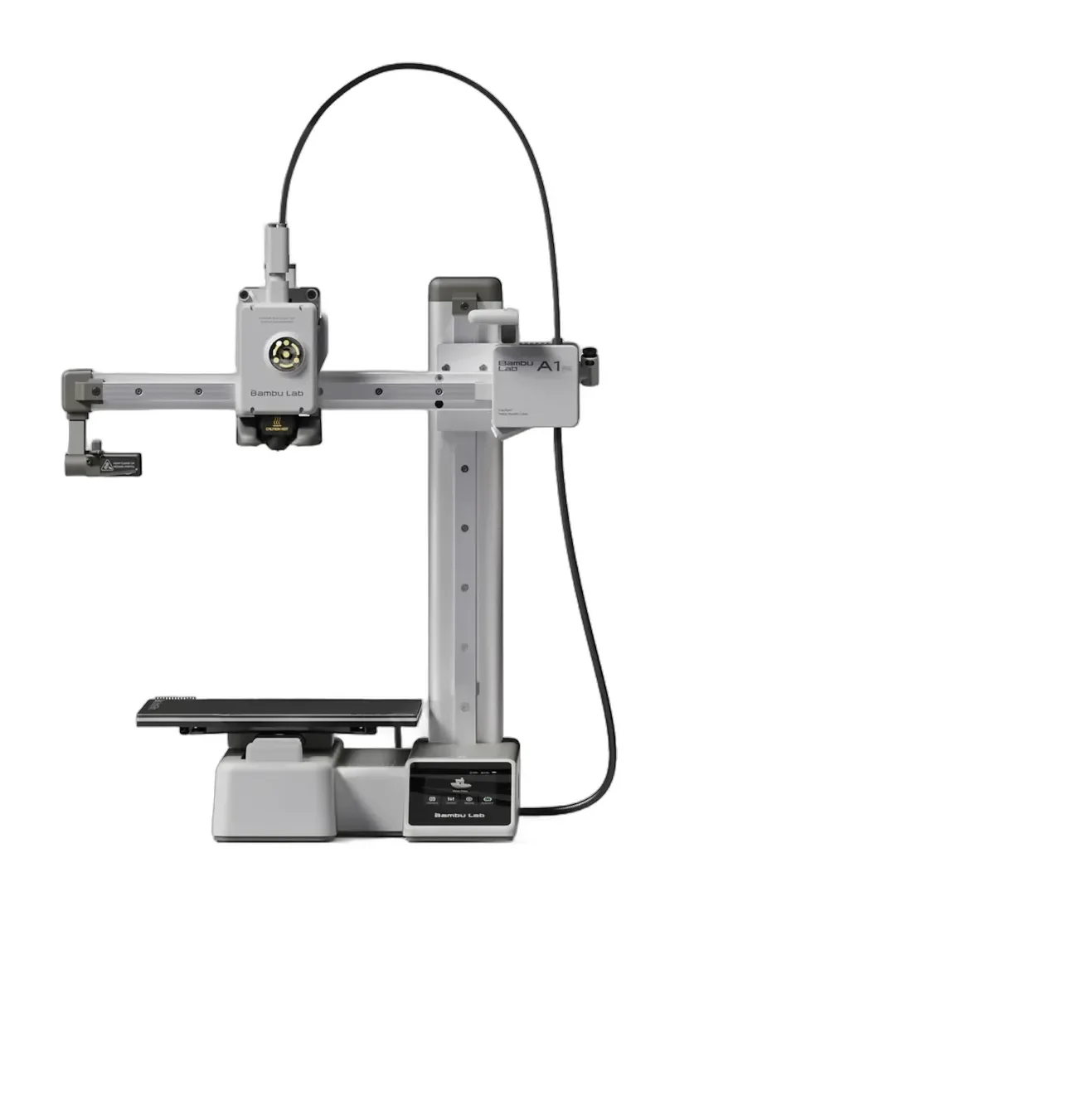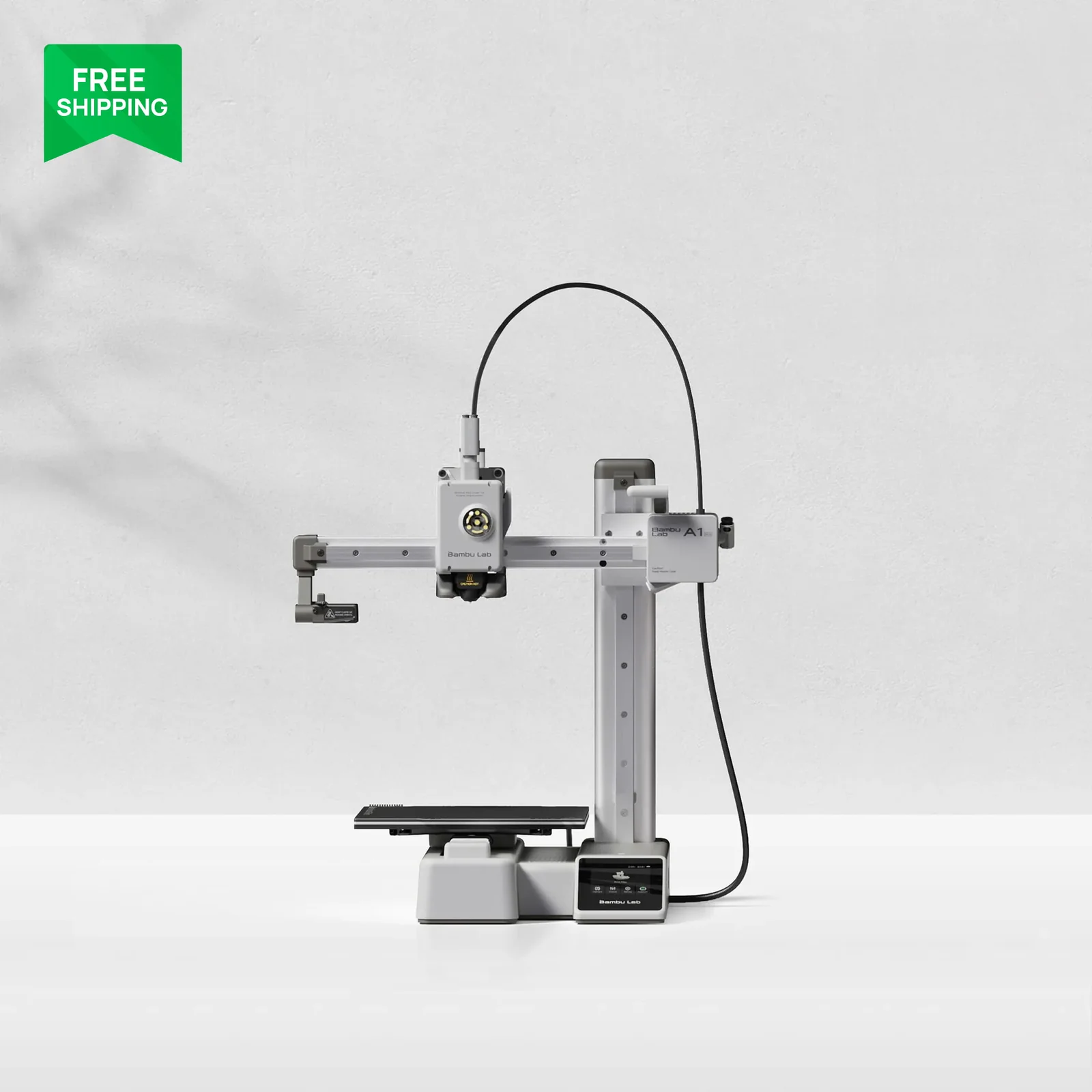
Bambu Lab A1 mini
By Bambu Lab · Budget 3D Printers · 3D Printing
- 500mm/s max speed
- 180x180x180mm build volume
- Full-auto calibration and active flow rate compensation
- AMS lite four-color option, under 48 dB
Lowest price seen
~$249.00 (approx.)
from $249.00 at Amazon
- Amazon ~$249.00 (approx.)View at Amazon
- Bambu LabView at Bambu Lab
- eBay (used) eBay: used, open-box, refurbishedView at eBay (used)
- eBayView at eBay
Prices are snapshots. Check the current price with the store.
Summary
An open-frame bed-slinger 3D printer for beginners who want to print without hand-tuning calibration, sold as the base A1 mini or the A1 mini Combo with the AMS lite for four colors. Check the build volume before you buy: the bed is a 180 × 180 × 180 mm cube, and the closed ecosystem limits warranty claims to receipts from Bambu Lab or authorized distributors.
Strengths
- Bed leveling, Z-offset, resonance, flow and belt-tension calibration all run automatically before every print.
- PCMag measured a 3DBenchy length of 2.38 in against a 2.36 in specification and a 27 of 30 score on the Kickstarter–Autodesk FDM protocol.
- Print quality is called first-rate and unusual for a printer this inexpensive.
- Setup takes under 20 minutes and the printer arrives almost fully assembled.
- The base model costs $219 direct from Bambu Lab with free shipping and a 2-year US warranty.
- The A1 mini Combo is the lowest-cost route into four-color FDM printing in this class.
Weaknesses
- The 180 mm cube is small; PCMag calls the bed limiting.
- The 2.4-inch touchscreen is cramped enough that the reviewer used a stylus.
- Multi-color printing through the AMS lite produces extensive purge waste that is wasteful and hard to clean up.
- The printer cannot start a print without a microSD card inserted.
- The warranty badge hides a tiered structure: 12 months on main components and no coverage at all for the hotend, build plates, PTFE tube or filament cutter.
- Only receipts from Bambu Lab or authorized distributors are valid, and cross-regional service is not supported.
Verified specifications
| Build volume | 180 × 180 × 180 mm. |
|---|---|
| Frame | open-frame bed-slinger with a steel and extruded-aluminum chassis. |
| Hot end | all-metal, 300 °C maximum, with a 0.4 mm stainless steel nozzle; 0.2, 0.6 and 0.8 mm nozzles optional. |
| Bed | 80 °C maximum. |
| Maximum toolhead speed | 500 mm/s; maximum acceleration 10,000 mm/s². |
| Maximum hot end flow | 28 mm³/s at ABS and 280 °C. |
| Filament | 1.75 mm; PLA, PETG, TPU and PVA are listed as ideal, while ABS, ASA, PC, PA, PET and fiber-filled filaments are not recommended. |
| Sensors | low-rate 1080p timelapse camera, filament run-out and tangle sensors, filament odometry and power-loss recovery. |
| Display and control | 2.4-inch 320 × 240 IPS touchscreen, dual-core Cortex-M4 motion controller, Wi-Fi 802.11 b/g/n on 2.4 GHz only. |
| Storage | a microSD card is required to start a print; a 32 GB card is included and cards up to 2 TB are supported. |
| Power | 100–240 VAC, 50/60 Hz, 150 W maximum. |
| Operating conditions | 10–30 °C ambient and under 85% humidity; enclosing the printer is not recommended. |
| Dimensions | 347 × 315 × 365 mm (13.7 × 12.4 × 14.4 in); 5.5 kg (12.1 lb). |
Full research notes and sources
Printing quality and calibration
Every calibration most budget printers make you do by hand — bed leveling, Z-offset, X and Y resonance, nozzle-pressure flow and belt tension — runs automatically before each print, and the manufacturer claims about a 20-minute setup to first print. PCMag’s testing backs the out-of-box experience: the unit was almost fully assembled, setup took under 20 minutes, and prints came out problem-free. The automatic leveling routine checks five points and escalates to a full 49-point leveling when it finds a discrepancy, which adds several minutes, and the first power-up runs a noise-cancellation procedure that also costs time.
Measured output is the strongest argument for the price. PCMag recorded a 3DBenchy length of 2.38 in against a 2.36 in specification, matched the 0.9 in bridge roof, and scored 27 of 30 on the Kickstarter–Autodesk FDM protocol, with only a small amount of distortion on the smallest type test. Print quality was described as first-rate across the benchmarks and unusual for a printer this inexpensive.
Speed, noise and print behavior
The 500 mm/s figure is a maximum toolhead speed, not a sustained print speed. PCMag’s tested default was 500 mm/s with a selectable 250 mm/s mode, and the reviewer notes that similar speeds are now common and should not drive the purchase. The default bed temperature in testing was 140 °F (60 °C), well below the 176 °F (80 °C) maximum, with no adhesion or removal problems.
Noise is quoted by the manufacturer as under 48 dB in silent mode on the product overview page and as 49 dB on the store page, and no independent decibel measurement exists, so treat both figures as marketing claims. The printer is an open-frame bed-slinger, and Bambu Lab does not recommend enclosing it; the manufacturer also advises against ABS, ASA, PC, PA, PET and fiber-filled filaments. Wi-Fi is 2.4 GHz only, which matters if you want the Handy app to connect.
Multi-color printing and the AMS lite
The A1 mini Combo adds the AMS lite, which holds four spools and is the only way to get multi-color printing here; only one AMS lite is supported, so four colors is the ceiling. Connecting the full-size AMS, AMS 2 Pro or AMS HT instead needs a separate AMS hub (SA013). The trade-off is waste: during multi-color prints the printer extrudes purge material at every color change and pushes it to the left of the build area, which PCMag calls extensive, wasteful and a pain to clean up on color-heavy models.
Warranty, parts and running costs
Bambu Lab’s general warranty statement grants two years to US consumers and extends earlier one-year US and Canada orders to two years, with a 30-day return window, a 30-day replacement window and an Advanced Replacement option that needs a refundable deposit. The A1-series parts page splits that coverage: 12 months for the printer and its main components, 3 months for the extruder unit, microSD card and Maker’s Supply items, and no warranty at all for the complete hotend and its parts, the extruder gear assembly, build plates and spare sheets, glue, the filament cutter, scraper, nozzle wiper, PTFE tube and connector, and filament. Only receipts from Bambu Lab or authorized distributors are valid, and cross-regional service is not supported.
Running costs are modest. Filament on the same store runs $11.89 to $13.99 per 1 kg spool at sale prices, and an A1-series Multi-Size Hotends Kit with 0.2 mm and 0.6 mm nozzles is $21.58. The hot end is a quick-swap unit that pops out with a single clip and is the main wear item, but it carries no warranty.
Is it worth it?
At or below $200 the A1 mini is strong value; at $221–250 the margin narrows, and above $251 the small bed and open frame start to matter against enclosed or larger-volume machines. Above $300 for the base printer there is no technical basis to pay CoreXY money for a bed-slinger with a 180 mm cube. The AMS lite is worth it only if four-color printing is actually wanted, because it adds purge waste per color change and extra clearance needs. Bambu Lab’s US store listed the A1 mini at $219 (Bambu Lab, 2026-10-08), below the $249 review-time price PCMag recorded in 2024.
Which model this is
This page covers the Bambu Lab A1 mini, an open-frame bed-slinger sold in two factory configurations: the plain A1 mini and the A1 mini Combo, which adds the AMS lite. Do not confuse it with the larger Bambu Lab A1, the X1 and P1 series, the P2S or the A2L, and note that the full-size AMS is incompatible with the A1 mini while the AMS lite does not fit X1 and P1 printers. No hardware revision for the A1 mini was found, and Bambu Lab does not publish an A1-mini-specific model string.
The base-versus-Combo identity behind ASIN B0GQMJ8QQT could not be confirmed.
Sources
Manufacturer:
- Bambu Lab A1 mini product overview
- Bambu Lab A1 mini technical specifications
- Bambu Lab A1 mini technical specification PDF
- Bambu Lab US store A1 mini page
- Bambu Lab warranty statement
- Bambu Lab A1 Series warranty periods
- Bambu Lab A1 mini FAQ
- Bambu Lab US store spare parts
Independent reviews: