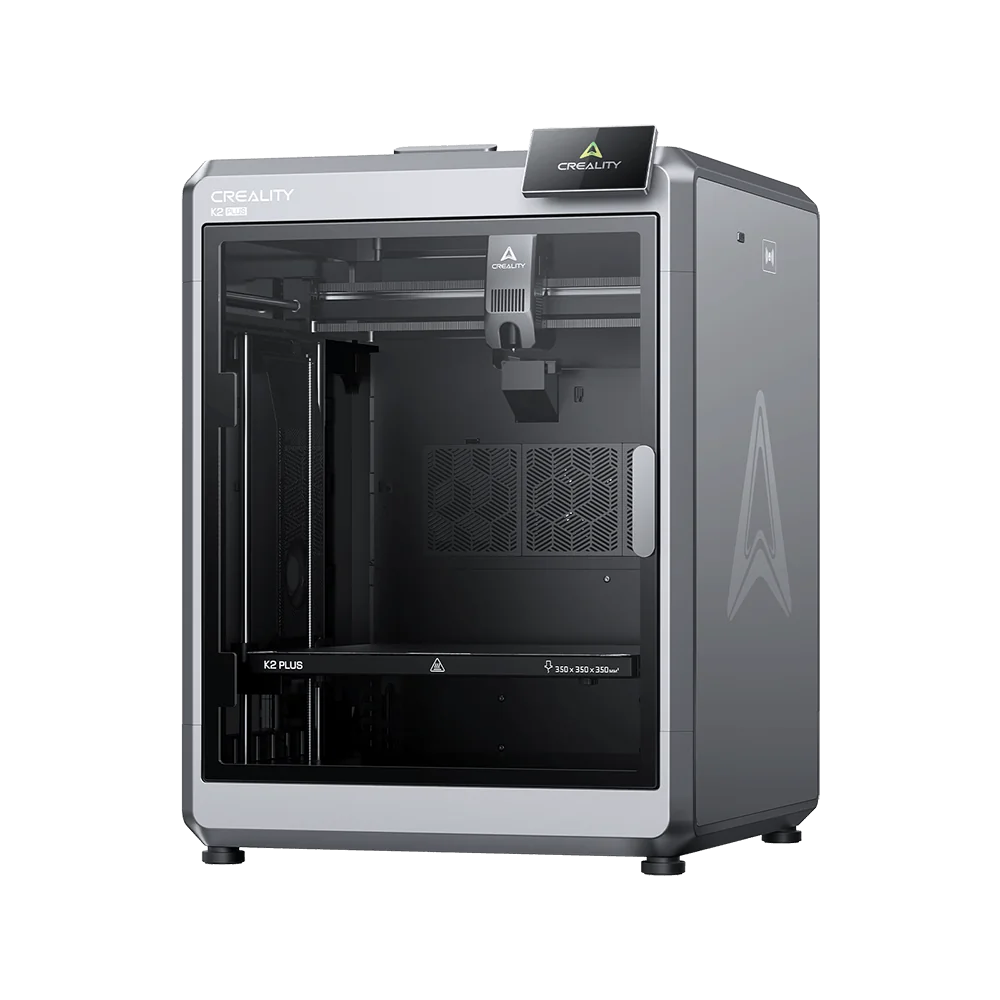
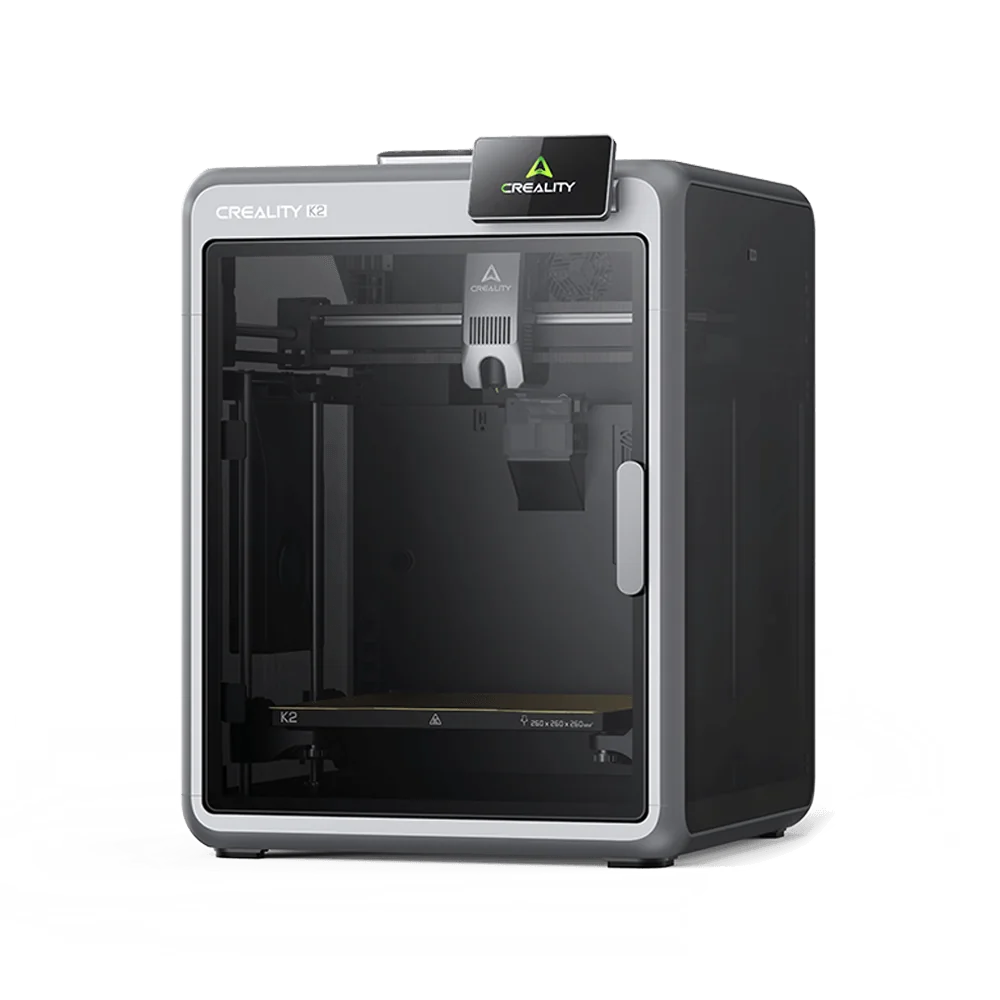
Creality SPARKX i7 (i7 KE)
By Creality · 3D Printers · 3D Printing
- 260x260x255mm build volume
- CFS Lite four-color system
- 21-minute 3D Benchy in testing
- Touch screen, auto bed leveling with Z, USB/LAN/cloud/app
Lowest price seen
~$281.00 (approx.)
from $281.00 at Amazon
- Amazon ~$281.00 (approx.)View at Amazon
- CrealityView at Creality
- eBay (used) eBay: used, open-box, refurbishedView at eBay (used)
- eBayView at eBay
Prices are snapshots. Check the current price with the store.
Summary
A beginner-friendly open-frame 3D printer with a 260 × 260 × 255 mm build volume, 500 mm/s printing and an optional four-color CFS Lite system. Check whether you actually need multicolor: the CFS Lite caps at four colors, cannot be expanded, and throws away filament on every color change.
Strengths
- Setup is quick: reviewers were printing within 10–15 minutes of unboxing.
- Auto bed leveling with automatic Z-offset works reliably and needs no manual fiddling.
- Standard mode is quiet enough that reviewers call the printer very quiet.
- The direct-drive extruder handles flexible 85A TPU without jamming.
- 500 mm/s printing and a 720p AI camera with spaghetti detection come as standard.
- Creality OS is open Klipper firmware with root access for people who want to tinker.
Weaknesses
- First-layer adhesion is the most common owner complaint; some fix it by flipping the PEI plate.
- The CFS Lite cuts filament at a color change and retracts only until it clears the hotend, so the rest is pulled out by hand.
- It tops out at four colors, and a second CFS Lite cannot be added.
- Multicolor prints create a lot of purge waste; PCMag’s four-color print left a purge pile bigger than the model.
- The touchscreen lags behind the Bambu Lab A1’s, and Creality Print’s interface feels fragmented.
- As a first-generation platform it has far less community troubleshooting than established models.
Verified specifications
| Build volume | 260 × 260 × 255 mm. |
|---|---|
| Maximum print speed | 500 mm/s. |
| Acceleration | 10,000 mm/s². |
| Nozzle temperature | up to 300°C. |
| Bed temperature | up to 100°C. |
| Nozzle | 0.4 mm hardened steel, quick-swap, with 0.2, 0.6 and 0.8 mm options. |
| Extruder | direct drive. |
| Build plate | dual-sided golden textured PEI. |
| Leveling | fully automatic with strain-gauge Z-offset. |
| Firmware | Creality OS, Klipper-based, with root access. |
| Slicer | Creality Print 6.3 or newer. |
| Camera | 720p with lighting, spaghetti, air-print and tangle detection. |
| Filament | PLA, PETG, PLA-CF and TPU (shore 64D or harder), 1.75 mm. |
| Connectivity | 2.4 GHz Wi-Fi, USB drive, LAN and the Creality Cloud app. |
| Display | 2.85-inch color touchscreen; PCMag measured roughly 4.3 inches. |
| Storage | 8 GB eMMC. |
| Power | 700 W at 220 V, 400 W at 110 V, from 100–240 V AC input. |
| Dimensions | 470 × 423 × 456 mm; 9.12 kg. |
| In the box (Color Combo) | printer, CFS Lite, PTFE tubes, signal cable, power cord, hex wrenches, metal scraper, single-spool rack, setup card and a sample of Hyper-PLA. |
| Warranty | one year parts and labor. |
Full research notes and sources
Multicolor and the CFS Lite
The Color Combo adds the CFS Lite, a four-bay feeder with passive rollers and no active spool tension, so spools can loosen and unspool inside the chamber. It has four silica-gel slots for drying filament but no active dryer. RFID auto-recognition works only with Creality spools; third-party filament still prints, it just is not recognized.
Retraction surprises owners. The CFS Lite cuts the filament and retracts only until it clears the hotend, and the remainder has to be pulled out by hand. Owner threads report this as a fault until they learn it is by design. Purge waste is the real cost of multicolor: PCMag’s four-color articulated platypus left a purge pile larger than the finished print.
Setup, print quality and speed
Setup is minimal. One reviewer was printing within 10–15 minutes, another within 20. PCMag called first-layer quality as good as anything it has tested, including pricier enclosed printers, with tolerance tests reaching +0.05 mm. The direct-drive extruder handled 85A TPU without trouble, and reviewers hit no jams. On adhesion, owners are split: some get a clean first layer out of the box, while others report poor adhesion and a residue they cannot clean off the PEI plate.
Noise
In standard mode reviewers describe the printer as very quiet, and there is a silent mode for overnight work. The operating modes are standard at full speed, ultrafast at 125%, stable at 50% and silent.
Parts, upkeep and running costs
Creality sells individual wear parts: a hotend at $12.99, an extruder gear assembly at $5.99, an extrusion assembly at $16.99, a hotend heating assembly at $7.99, a toolhead filament cutter at $5.99, a dual-texture PEI plate at $9.99, a hotend sock at $2.99, a nozzle wiping strip at $2.99, a purge wiper assembly at $4.99 and spare screws at $2.99 (Creality store). Nozzle swaps are tool-free and take a few seconds, belt tensioning is manual, and the extruder opens on a latch for access to the filament path. The recurring cost is filament, plus the purge waste that multicolor creates.
Is it worth it?
PCMag listed the single-color i7 at $259 and the Color Combo at $369 (PCMag, June 2026). Tom’s Hardware put the MSRP at $399 with a $339 early-bird price in January 2026, and 3D Tech Valley quotes $339 to $399 depending on promotions. Below about $259 the single-color machine is a strong beginner buy. The Color Combo makes sense near $339–$369 only if you genuinely print in color. Above $399, established rivals with longer track records and better support become easier to justify.
Which model this is
This page covers the Creality SPARKX i7, sold as a single-color printer or as a Color Combo with the CFS Lite. It is a different machine from the older Ender-3 V3 KE: the i7 has a 260 × 260 × 255 mm build volume and multicolor support, while the V3 KE is a 220 × 220 × 250 mm single-color printer. The US listing is ASIN B0CNT4WDL5.
Sources
Manufacturer:
- Creality SPARKX i7 user manual
- SPARKX i7 support: firmware, videos and specs
- SPARKX i7 downloads: firmware, software and manuals
- SPARKX i7 user guide (Creality Wiki)
- CFS Lite filament system (Creality store)
Independent reviews:
Owner reports:
- Bed adhesion issues (Creality Community Forum)
- CFS will not retract the filament (Creality Community Forum)
- Keeps failing Z-axis homing (r/Creality)
- Last update problems (Creality Community Forum)
- First impressions after 4.5 days (Creality Community Forum)
- Owner review (r/Creality)
Parts and stores: