
GMKtec G10 Mini PC
By GMKtec · Desktop Computers · Phones & Computers
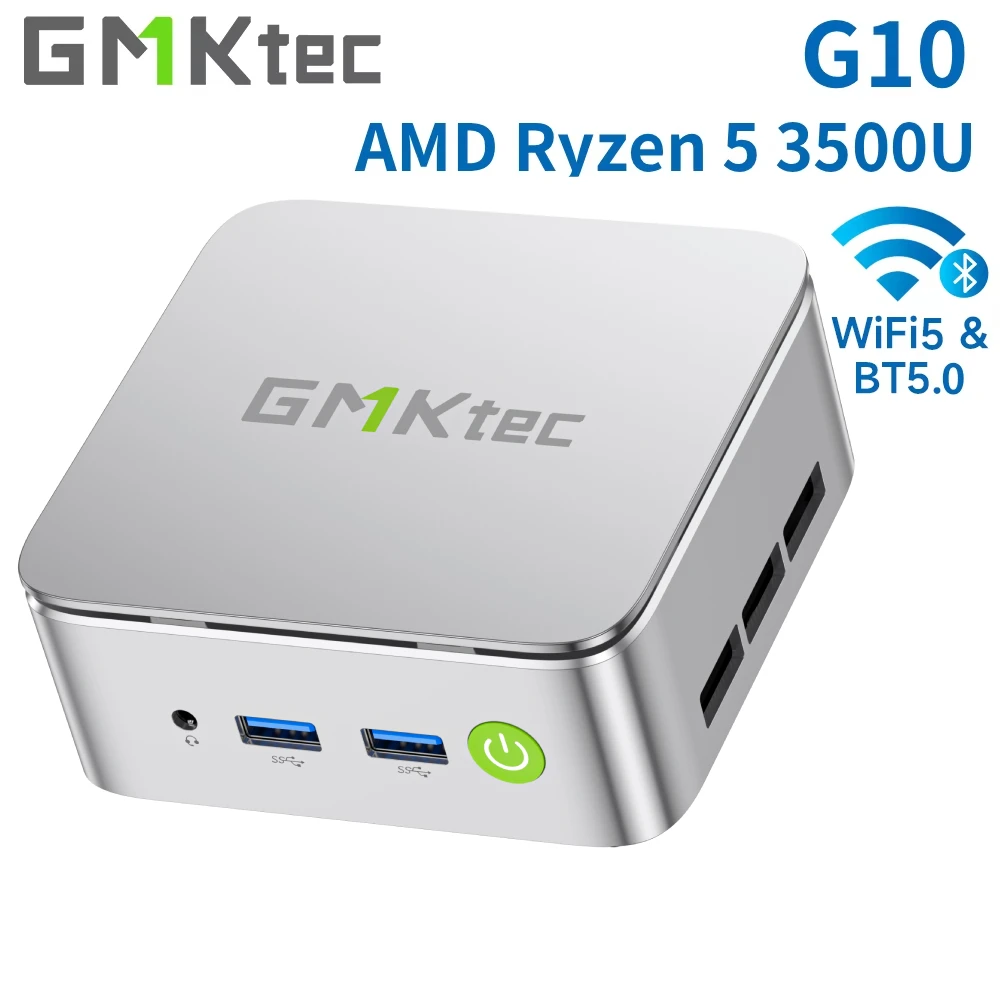
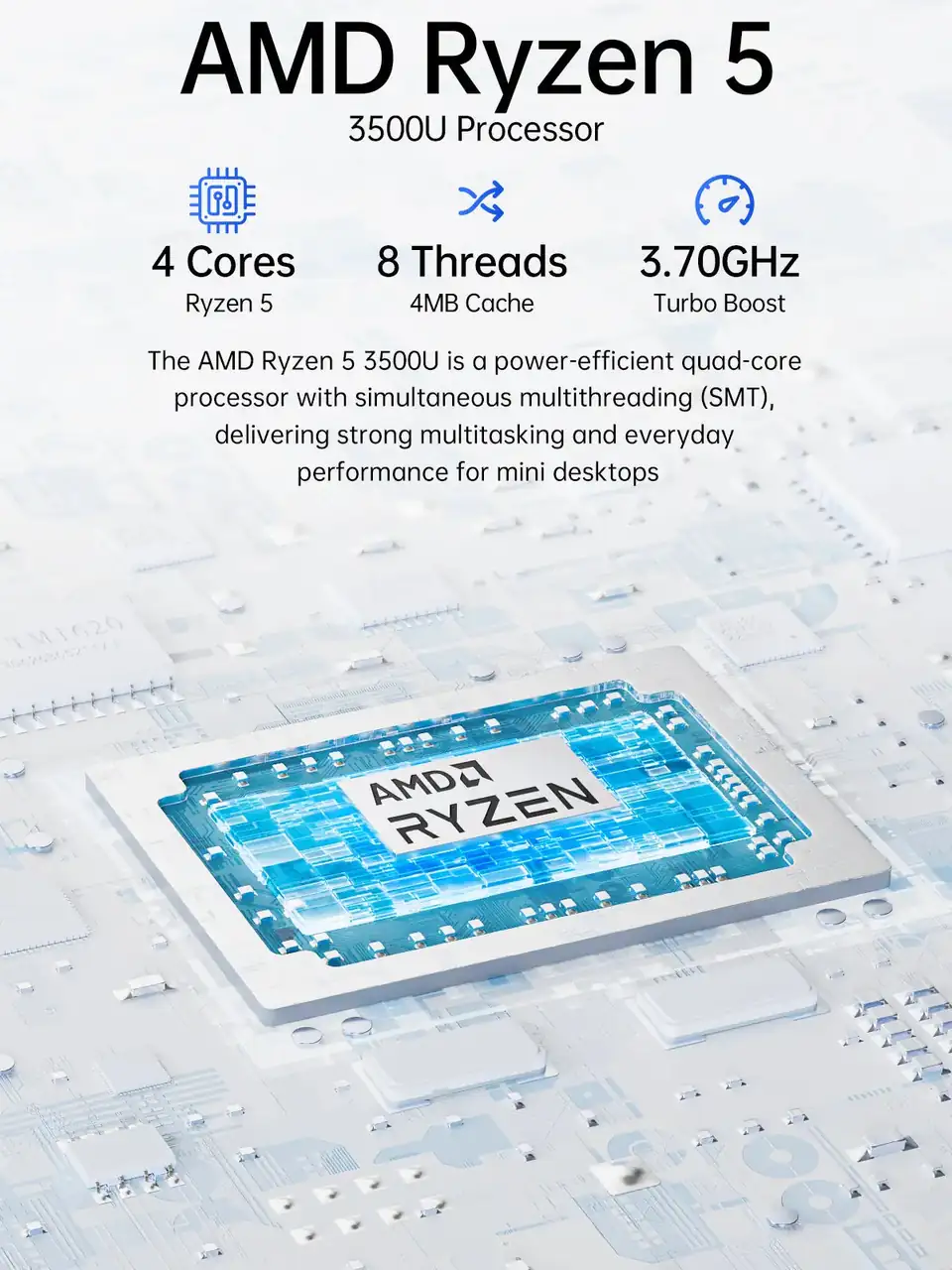
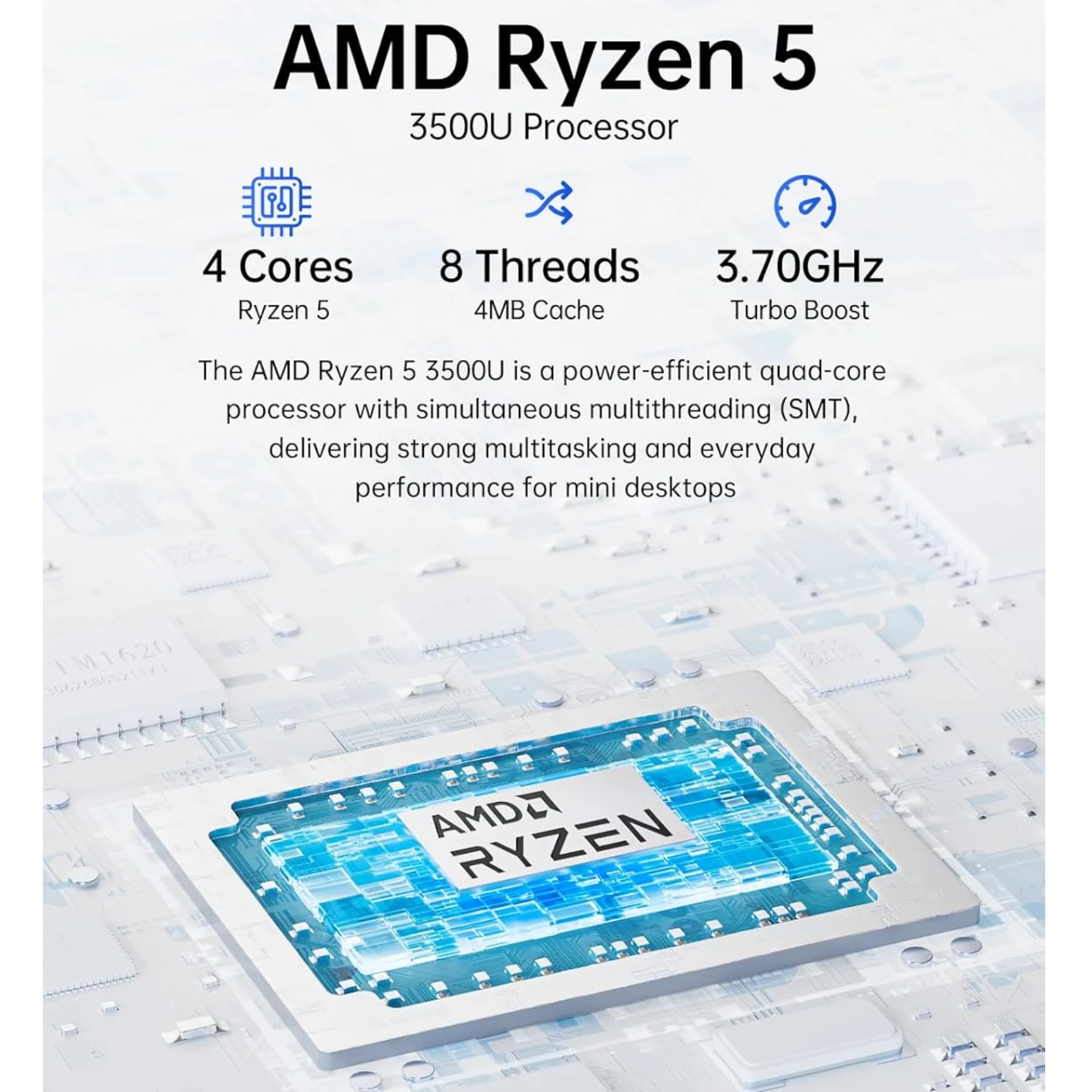
- AMD Ryzen 5 3500U, 4 cores, 8 threads, up to 3.7GHz
- Radeon Vega 8 Graphics, 8 cores, up to 1200 MHz
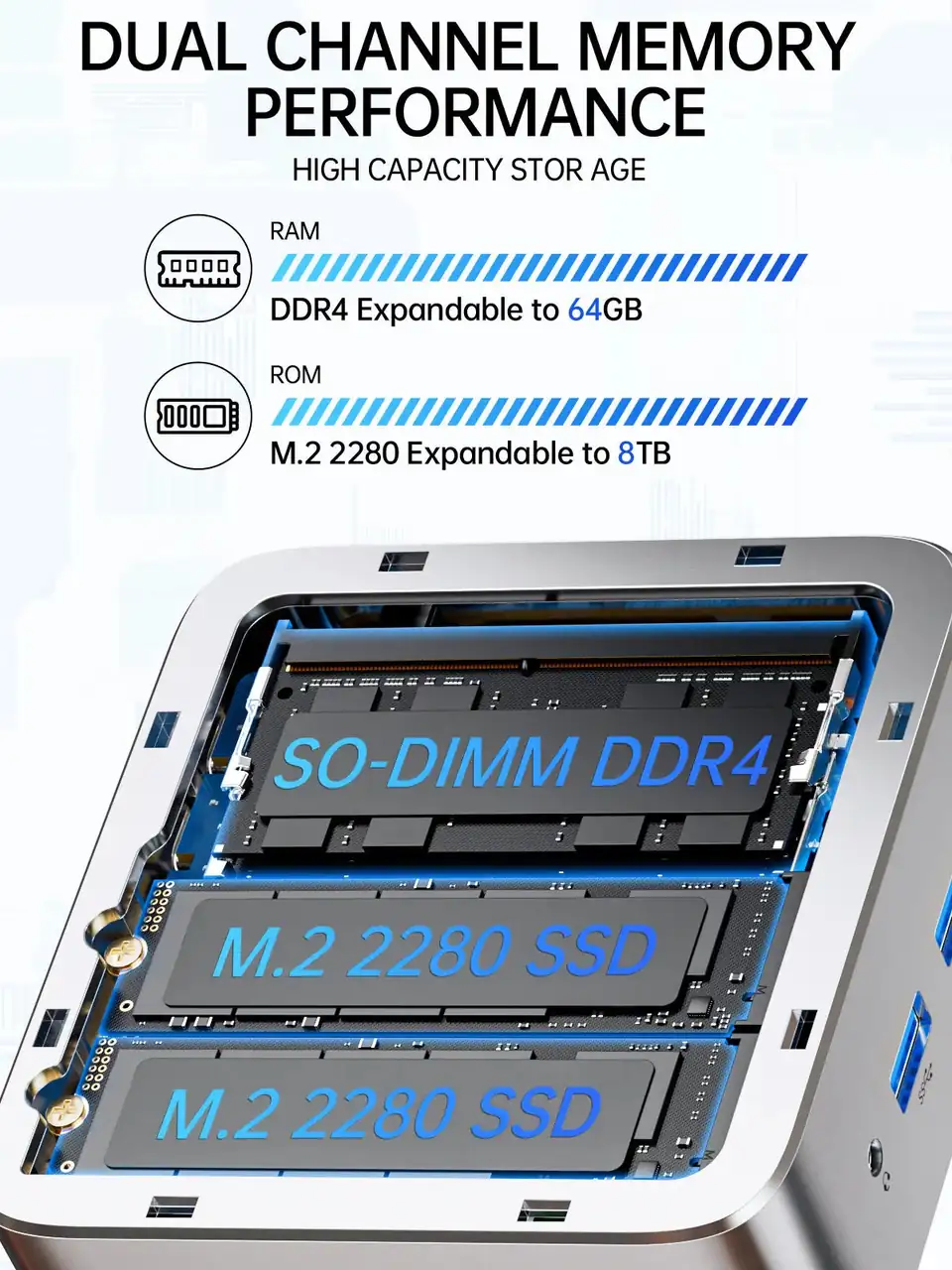
- 2x DDR4 SO-DIMM, 16GB/32GB, 2400 MT/s, up to 64GB
- 2x M.2 2280 PCIe 3.0x4 SSD, 512GB/1TB, up to 16TB
- Wi-Fi 5, Bluetooth 5.0, 2.5G LAN
Lowest price seen
$209.07
from $209.07 at AliExpress · Checked Oct 12, 2026
- AliExpress GMKtec Global Choice Store $209.07View at AliExpress
- eBay $299.99View at eBay
- GMKtecView at GMKtec
- eBay (used) eBay: used, open-box, refurbishedView at eBay (used)
- WalmartView at Walmart
- Best BuyView at Best Buy
- NeweggView at Newegg
- Micro CenterView at Micro Center
- AmazonView at Amazon
Prices are snapshots. Check the current price with the store.
Summary
An ultra-compact budget mini PC built around the 2019-era AMD Ryzen 5 3500U, sold for its expandability and triple-display output rather than out-of-box speed. Plan on changing one BIOS setting before you judge it: the default Balanced mode caps the chip at 15W and leaves much of its performance unused.
Strengths
- Two M.2 slots and a 64GB RAM ceiling beat most mini PCs in this price class.
- Multi-core and Vega 8 graphics outperform Intel N100/N150 systems in the same bracket.
- Tool-free lid removal makes RAM and SSD upgrades quick.
- Low Balanced-mode draw (6.5W idle, 18.9W stress measured) suits a 24/7 server.
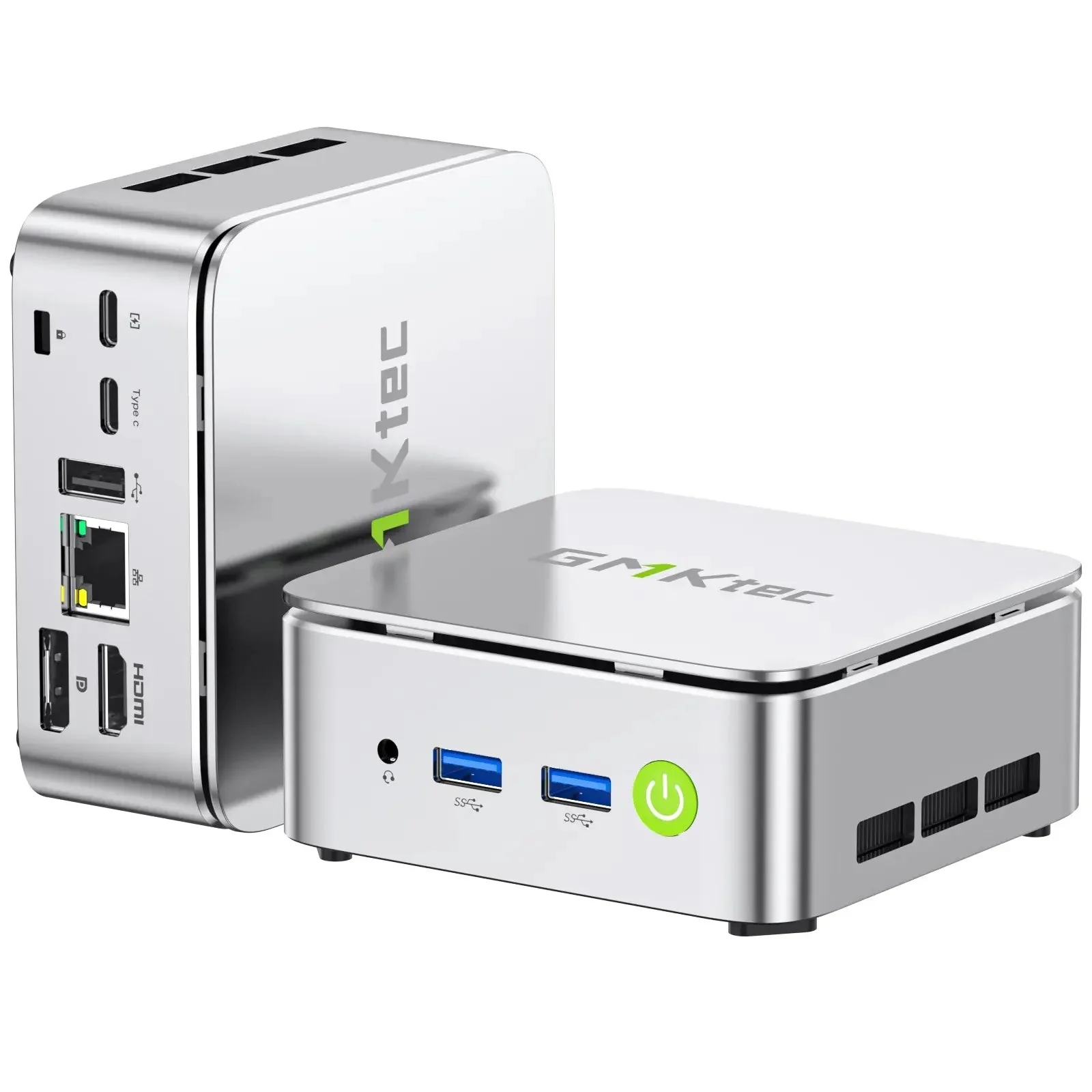
- Triple display output over HDMI, DisplayPort and USB-C is unusual at this size.
- Linux detects Ethernet, Wi-Fi, Bluetooth, audio and video out of the box.
Weaknesses
- The default 15W Balanced BIOS mode leaves a large chunk of performance unused.
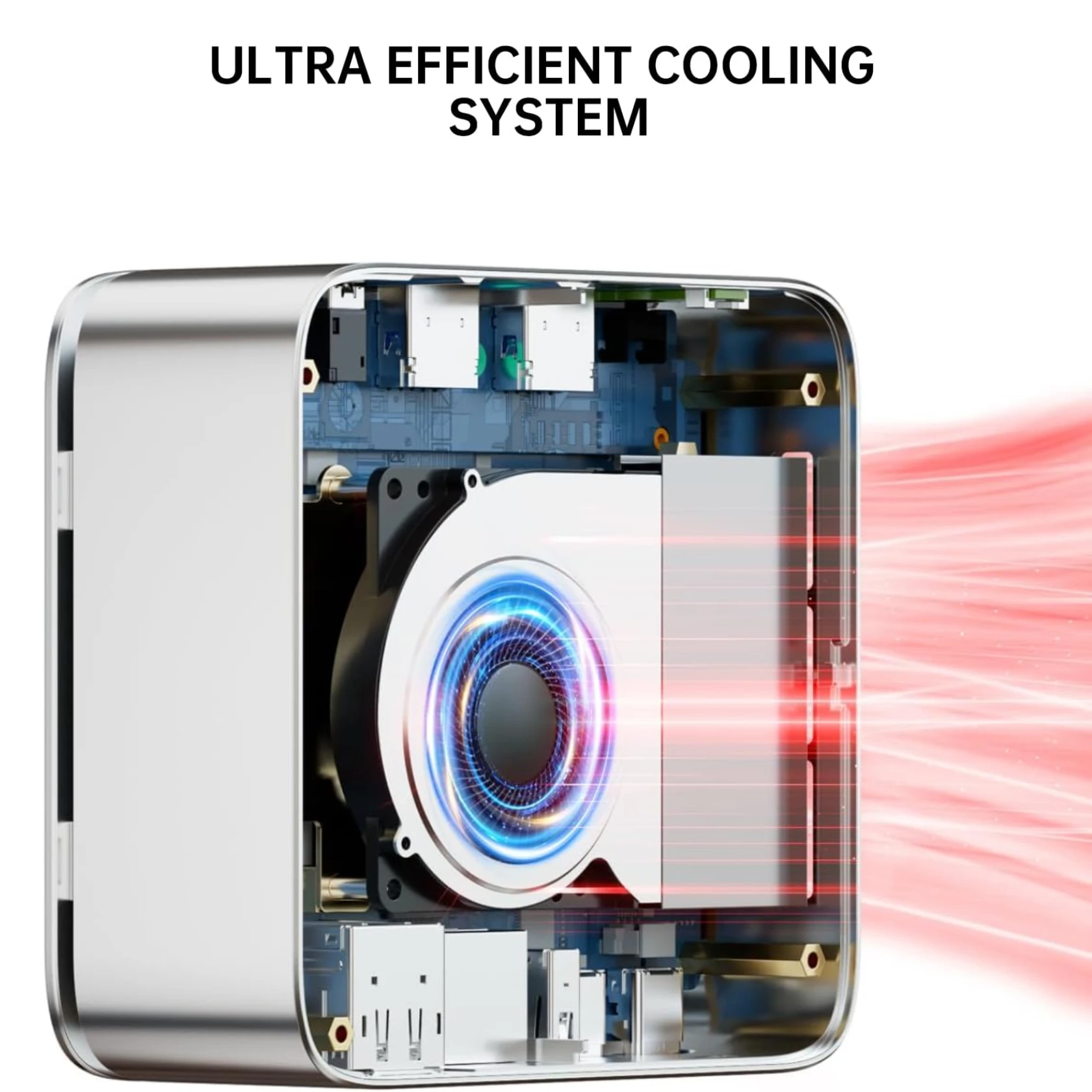
- Performance mode needs a manual fan curve or the CPU throttles under sustained load.
- 4K60 YouTube playback drops frames.
- USB 3.2 Gen 1 only at 5 Gbps; there is no USB4 or Thunderbolt.
- DDR4-2400 caps memory bandwidth, which hurts the integrated GPU.
- Only three USB ports, and one owner reported printing problems with an older Brother printer.
Verified specifications
| Model | G10 (GMKtec NucBox G10), manufacturer part G10, UPC 6972570963853. |
|---|---|
| CPU | AMD Ryzen 5 3500U, 4 cores / 8 threads, 12 nm Zen+, base 2.1 GHz, max turbo 3.7 GHz, 4 MB L3 cache, 25 W TDP (configurable to 35 W). |
| GPU | AMD Radeon Vega 8, 8 CUs, up to 1200 MHz. |
| Memory | two DDR4 SO-DIMM slots, 16GB or 32GB included, 2400 MT/s, expandable to 64GB. |
| Storage | two M.2 2280 PCIe 3.0x4 NVMe slots, 512GB or 1TB included, expandable to 16TB total. |
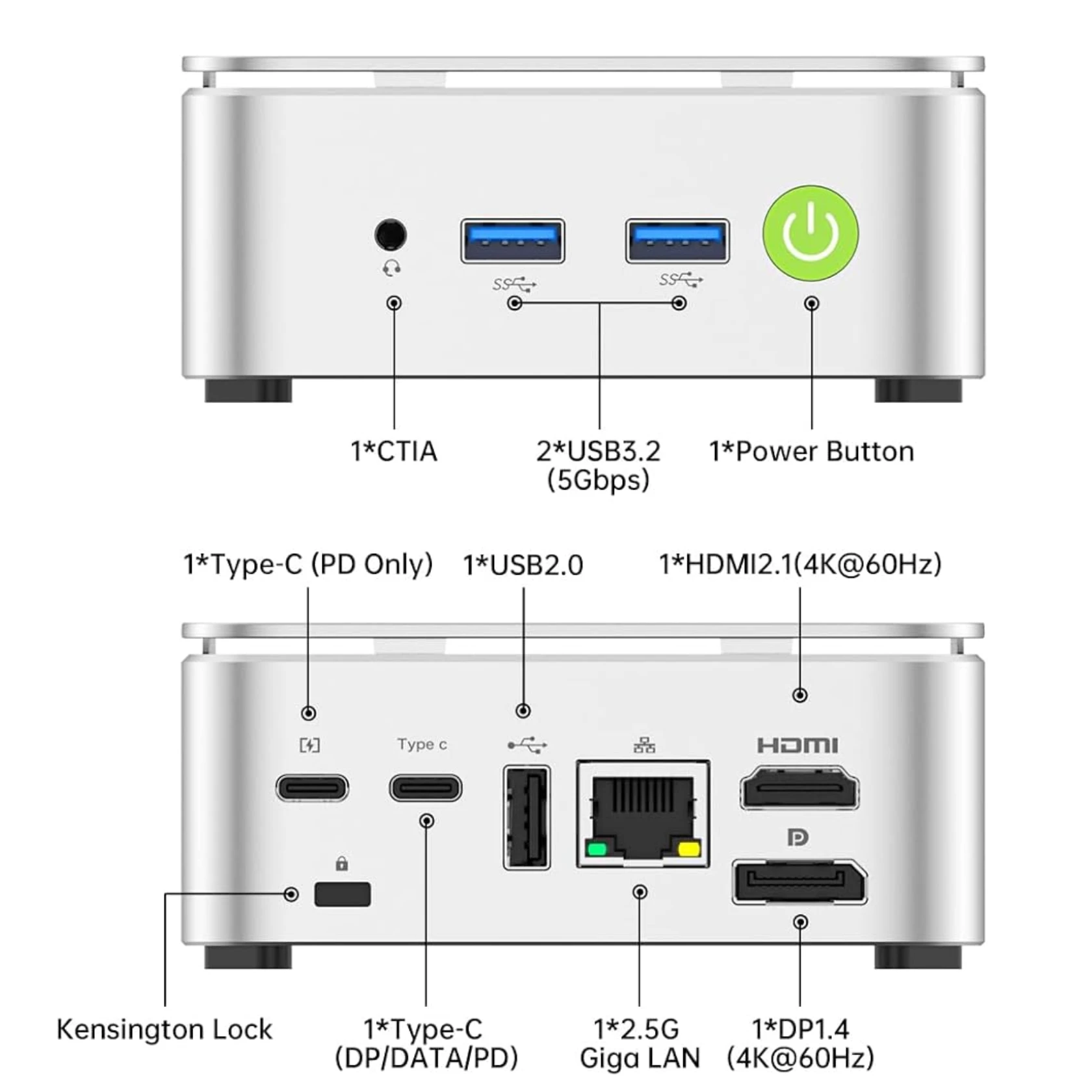
| Video outputs | HDMI 2.1 (4K@60Hz), DisplayPort 1.4, and USB-C (DP 1.4, 4K@30Hz); three displays supported. |
| Networking | 2.5GbE LAN (Realtek 8125BG), Wi-Fi 5 802.11ac, Bluetooth 5.0. |
| USB | two USB 3.2 Gen1 Type-A, one USB 2.0 Type-A, one USB-C (DisplayPort and data), one USB-C (power delivery only). |
| Audio | 3.5 mm combo jack. |
| OS | Windows 11 Pro pre-installed. |
| Power | 19V / 3.42A (64.98W) external adapter over USB-C PD. |
| BIOS power modes | Quiet, Balanced (15W), Performance (35W). |
| Dimensions | 103 × 98 × 42 mm; 284 g. |
| In the box | mini PC, power adapter, VESA mount and screws, HDMI cable, user manual, warranty card. |
Full research notes and sources
Performance, BIOS settings and thermals
The 3500U is a 25 W part, and GMKtec ships the G10 at 15 W in Balanced mode. TechRadar measured a Speedometer 3.0 score of 7.63 at 15 W and 11.2 once the machine was switched to Performance mode at 35 W; 3DMark Time Spy rose from 394 to 756, and Cinebench R23 multi-core landed between 4,200 and 4,600 depending on the power setting. Out of the box, you are not seeing that.
Under sustained load in Performance mode the chip throttles unless the fan curve is raised. TechRadar and Lon.TV both set the fan to 100% to hold stable benchmark results. In Balanced mode the measured draw is low: a Linux Mint owner logged 6.5 W at idle and 18.9 W under stress, which is why the same machine works as a quiet 24/7 server. One more BIOS change is worth it: the GPU memory allocation defaults to 3GB, and setting it to Auto helps emulators.
Ports, storage and expansion
The dual M.2 2280 PCIe 3.0x4 slots are the headline: TechRadar measured 2,667 MB/s read and 1,512 MB/s write on the preinstalled drive, and a Kingston KC3000 in the second slot reached 3,750 MB/s. Watch the SSD retaining screw, which has enough play that a drive can shift in transit and drop to single-lane speed around 900 MB/s; reseating it restores full speed.
Memory is DDR4 at 2400 MT/s, and the two SO-DIMM slots take up to 64GB; a 16GB module costs about $40 (TechRadar, July 2025), so a 64GB build is a modest extra. There is no USB4 or Thunderbolt, so external drives cap near 500 MB/s on USB 3.2 Gen 1 (5 Gbps).
Linux, power and upkeep
Linux support is straightforward. A Linux Mint 22.3 owner on kernel 6.17.0 reported Ethernet, Wi-Fi, Bluetooth, audio and video all working, and the same owner liked the low Balanced-mode draw for a home server. The catch is USB behaviour: that owner’s Brother DCP-7020 would scan but not print, while a newer DCP-L2647DW worked, and the G10 has only three USB ports in total.
Upkeep is minimal. The Wi-Fi module sits in an M.2 2230 slot and can be swapped for a Wi-Fi 6 card, though no tested upgrade guide exists. GMKtec covers the G10 with a 1-year limited parts-and-labor warranty.
Is it worth it?
GMKtec lists the 16GB/512GB G10 at $189.99 and the 16GB/1TB at $215.99 (GMKtec US, 2025). That is fair value for the expandability, triple-display output and 2.5GbE port, and weak above $230, where newer architectures start to appear. The Beelink S12 Pro runs about $155-180, and GMKtec’s own M5 Plus with a Ryzen 7 5825U sits near $250. If you will not open the BIOS, the G10’s value drops sharply.
Which model this is
This page covers the GMKtec NucBox G10, manufacturer part G10, UPC 6972570963853, built around the AMD Ryzen 5 3500U. It ships in silver with 16GB or 32GB of RAM and a 512GB or 1TB SSD, plus a barebone version with no memory, storage or OS. The matching Amazon listing is ASIN B0FSXDC7NR. Do not confuse it with the Intel N150-based NucBox G3 Plus, the G11 or the M6 Ultra.
Sources
Manufacturer:
Independent reviews:
- TechRadar: GMKtec NucBox G10 mini PC review
- MiniPC-Review: GMKtec NucBox G10 performance review
- Lon.TV: GMKTec G10 mini PC review
- Notebookcheck: a cheaper G10 configuration
Owner reports:
Stores: