reMarkable Paper Pro
By reMarkable · Tablets · Phones & Computers
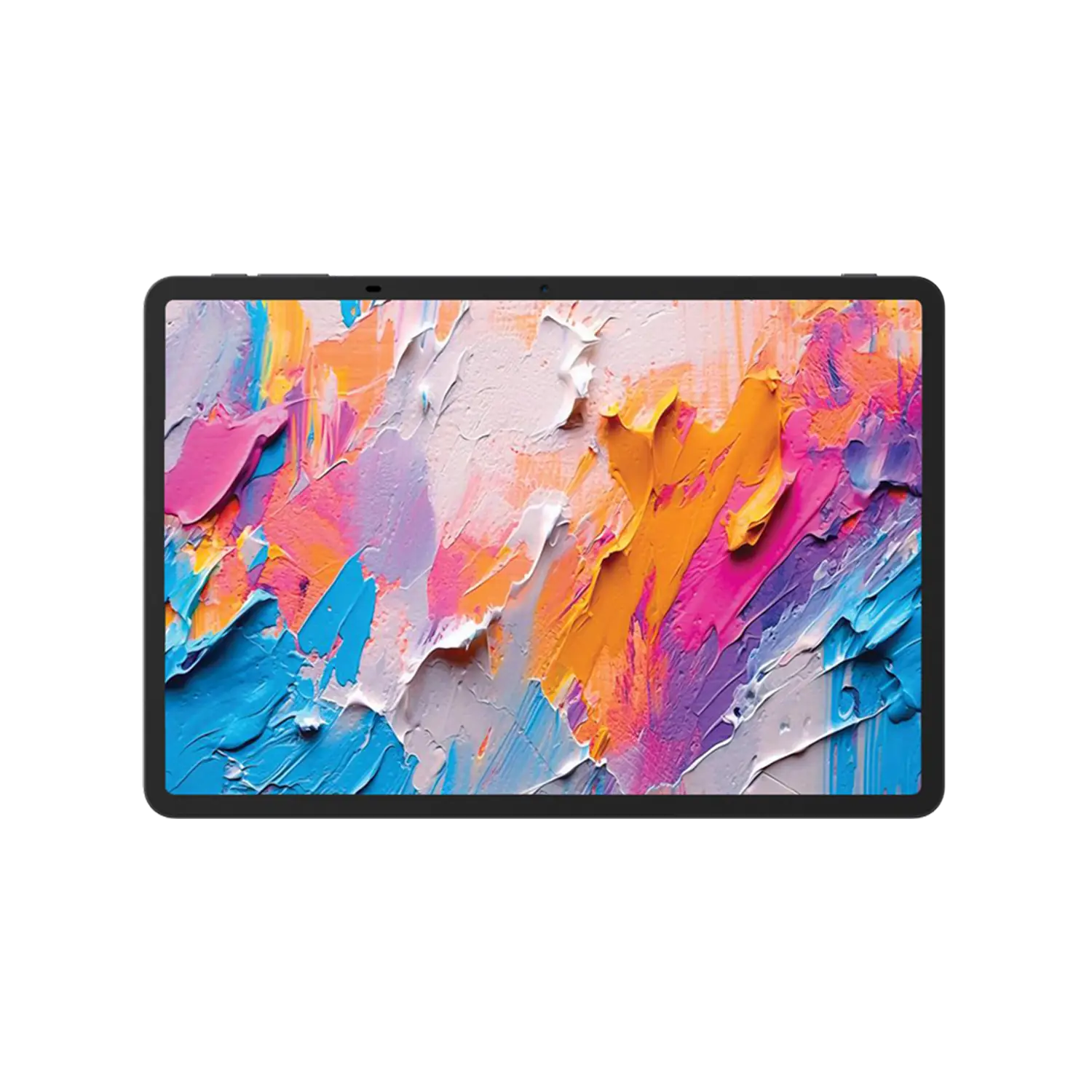
- 11.8" color display
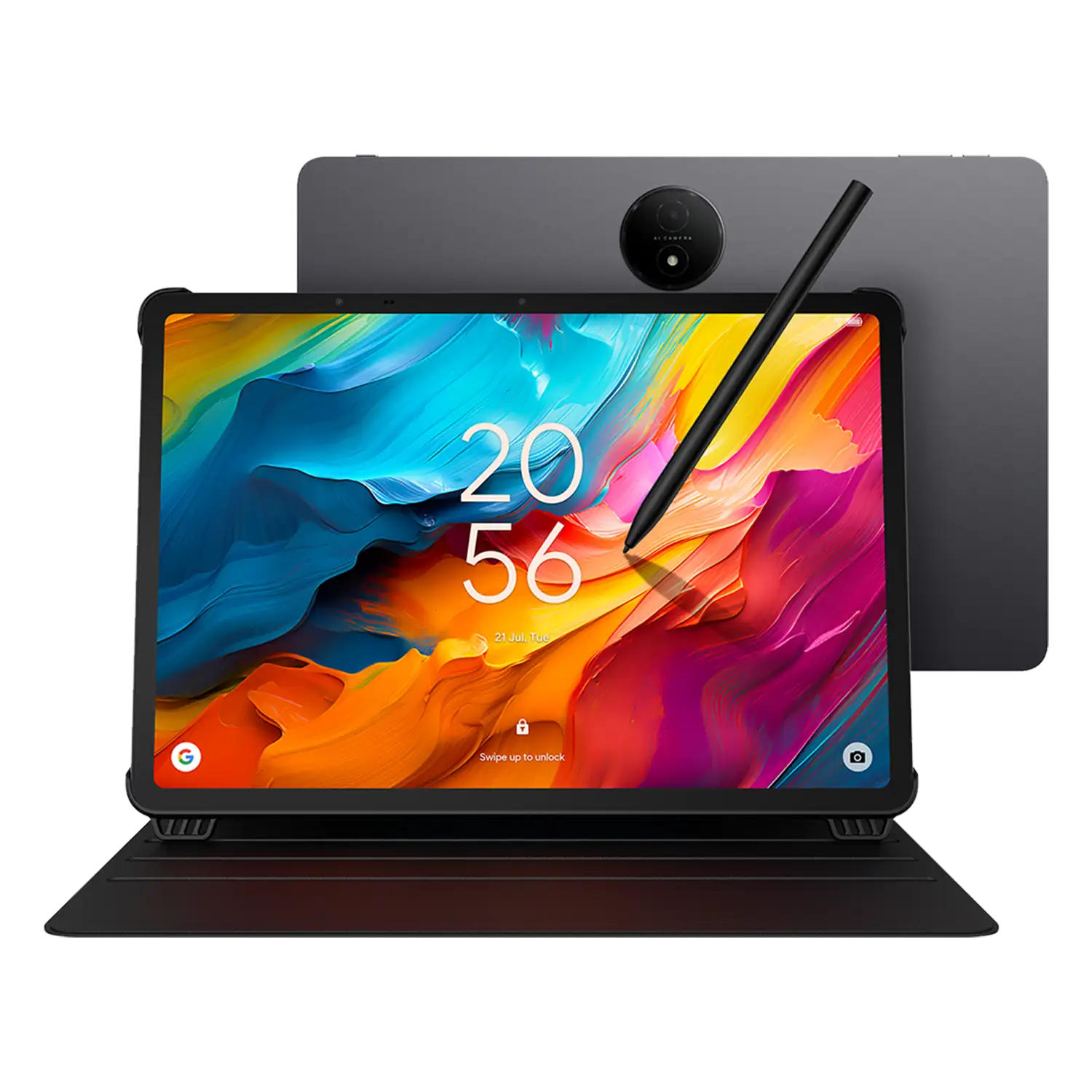
- Marker Plus with built-in eraser
- 1-meter USB-C cable included
- Reading light for low-light use
Lowest price seen
~$629.00 (approx.)
from $629.00 at Amazon
- Amazon ~$629.00 (approx.)View at Amazon
- reMarkableView at reMarkable
- Best BuyView at Best Buy
- NeweggView at Newegg
- eBay (used) eBay: used, open-box, refurbishedView at eBay (used)
- eBayView at eBay
Prices are snapshots. Check the current price with the store.
Summary
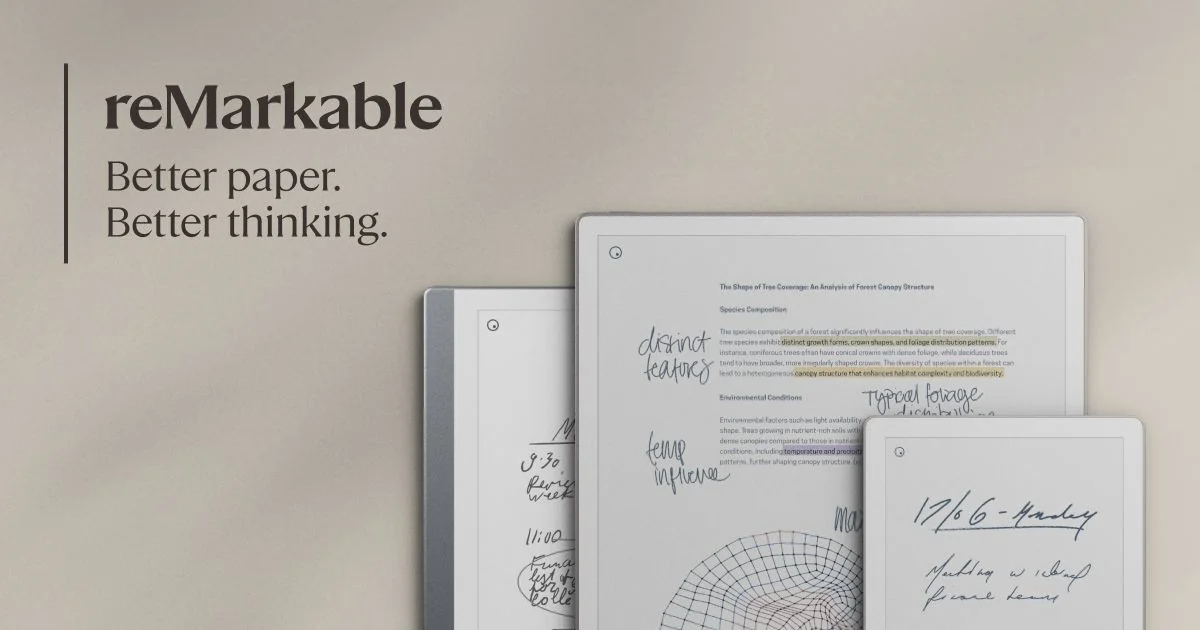
A single-purpose 11.8-inch colour E Ink tablet built for handwriting, document markup and reading, with a paper-like Marker stylus and weeks of battery. Check the running costs before buying: cloud sync, handwriting search and the companion apps need the Connect subscription.
Strengths
- Paper-like writing with minimal lag and under 1mm pen-to-ink distance.
- Colour E Ink display with richer saturation than earlier colour panels.
- Distraction-free by design: no browser, no third-party apps, no notifications.
- Aluminum chassis is thin and light for an 11.8-inch device.
- Battery lasts weeks per charge for note-taking.
- 50-day trial with free returns and a 1-year warranty.
Weaknesses
- Slow with large PDFs, font changes and tool swaps.
- Limited formats: PDF and EPUB only, and no DRM, so store-bought and library ebooks won’t load.
- Cloud sync, handwriting search and integrations need the Connect subscription.
- Front light is dimmer than rivals and has no colour-temperature control.
- Writing in colour shows a refresh flicker, and erased thick lines can leave artifacts.
- No water or dust resistance rating.
Verified specifications
| Model | reMarkable Paper Pro. |
|---|---|
| Display | 11.8-inch colour E Ink “Canvas Color” (E Ink Gallery 3), 2160 × 1620 pixels, 229 PPI, 4:3 aspect ratio, nine colours, palm rejection. |
| Front light | adjustable and even white; no colour-temperature control. |
| Processor | 1.8GHz quad-core Cortex-A53. |
| Memory | 2GB LPDDR4; 64GB internal storage, no microSD expansion. |
| Battery | 5,030mAh Li-ion; the maker claims 14 days of regular use and 90 days on standby. |
| Stylus | Marker or Marker Plus (built-in eraser); active, charges wirelessly when attached. |
| Connectivity | Wi-Fi 2.4 GHz and 5 GHz, USB-C and a pogo accessory port; no Bluetooth. |
| Formats | imports PDF and EPUB, exports PDF, PNG and SVG; no DRM support. |
| Operating system | reMarkable OS (Linux-based); interface in English, German, French and Spanish. |
| Security | encryption at rest and in transit, multifactor authentication, secure boot, optional passcode and a 20-minute auto-lock. |
| Handwriting conversion | powered by MyScript. |
| Subscription | Connect, $2.99 a month or $30 a year, required for cloud sync, handwriting search, integrations and the mobile and desktop apps. |
| In the box | Marker, 1-meter USB-C charging cable and 6 replacement marker tips. |
| Dimensions | 274.1 × 196.6 × 5.1 mm (10.8 × 7.8 × 0.20 in); 525 g (1.16 lb). |
Full research notes and sources
Writing feel and display
The draw is the surface: E Ink Gallery 3 under a textured layer gives the Marker real friction, and the pen-to-ink distance is under 1mm, so the ink lands where you expect. The 11.8-inch panel (2160 × 1620, 229 PPI) renders nine colours, enough for highlighting and diagrams without the washed-out look of older colour E Ink. It is not perfect. Switching colours briefly flickers the screen, and thick erased lines can leave faint ghosts. Reviewers say the flicker fades as you get used to it.
Performance and battery
A 1.8GHz quad-core Cortex-A53 and 2GB of RAM keep notes flowing, but they show their age with big documents: flipping pages, loading large PDFs or changing fonts brings visible lag, and reviewers saw it again when swapping tools. Battery is the opposite story. PCMag’s unit lost only 15 percent over more than a week of regular use, and the maker claims 14 days of regular use or 90 days on standby. Heavy front-light use cuts into that.
What it can’t do
This is a notebook, not a tablet. There is no browser, no third-party apps, no audio or video, no Bluetooth and no speakers, and Wi-Fi exists only for cloud work. It opens PDF and EPUB files; it will not open DRM ebooks from Amazon, Apple, Barnes & Noble or a library, and it exports to PDF, PNG or SVG. If you want one device for everything, this is the wrong one.
Running costs and accessories
The Connect subscription is the ongoing cost: $2.99 a month or $30 a year, and without it cloud sync, handwriting search and the mobile and desktop apps stop working, leaving only the files touched in the last 50 days in the cloud. The base Marker has no eraser; the Marker Plus adds one. Tips wear out and cost $19 a pack, with six in the box. A Book Folio is $89 and up, the Type Folio keyboard is $229, and an extra USB-C cable is $19, all from reMarkable.
Is it worth it?
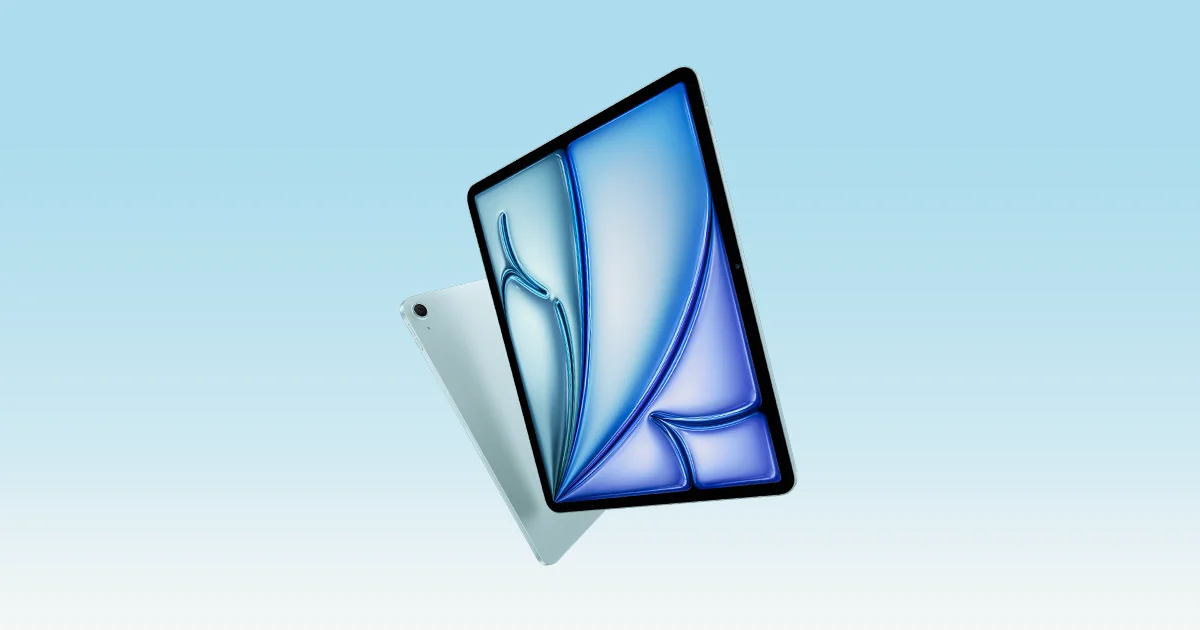
reMarkable lists the Paper Pro direct at $579 with the base Marker or $629 with the Marker Plus, and a certified refurbished unit starts at $499 with the same warranty and 50-day guarantee. The higher Marker Plus bundle at $679 runs into iPad Air territory, where you get far more capability for the money. At these prices you are buying focus, not features. If you write by hand for hours a day and want the page to feel like paper, the Paper Pro earns its price; if you want a general-purpose device or need DRM ebooks, it does not.
Which model this is
This page covers the 11.8-inch reMarkable Paper Pro, the colour model in reMarkable’s lineup, not the 10.3-inch monochrome reMarkable 2 or Paper Pure, nor the 7.3-inch Paper Pro Move. The bundle here is the Paper Pro with the Marker Plus, the stylus with a built-in eraser, listed as ASIN B0DG9ZXWMK. The base Marker has no eraser, so check which stylus a listing includes.
Sources
Manufacturer:
Independent reviews:
- PCMag reMarkable Paper Pro review
- The Verge: as outrageous as it is luxurious
- WIRED: Paper Pro brings a colour screen to the focus-friendly lineup
- ZDNET: I tested the Paper Pro and can’t go back to real paper
Owner reports:
- No owner forum discussions were accessible in the research.